

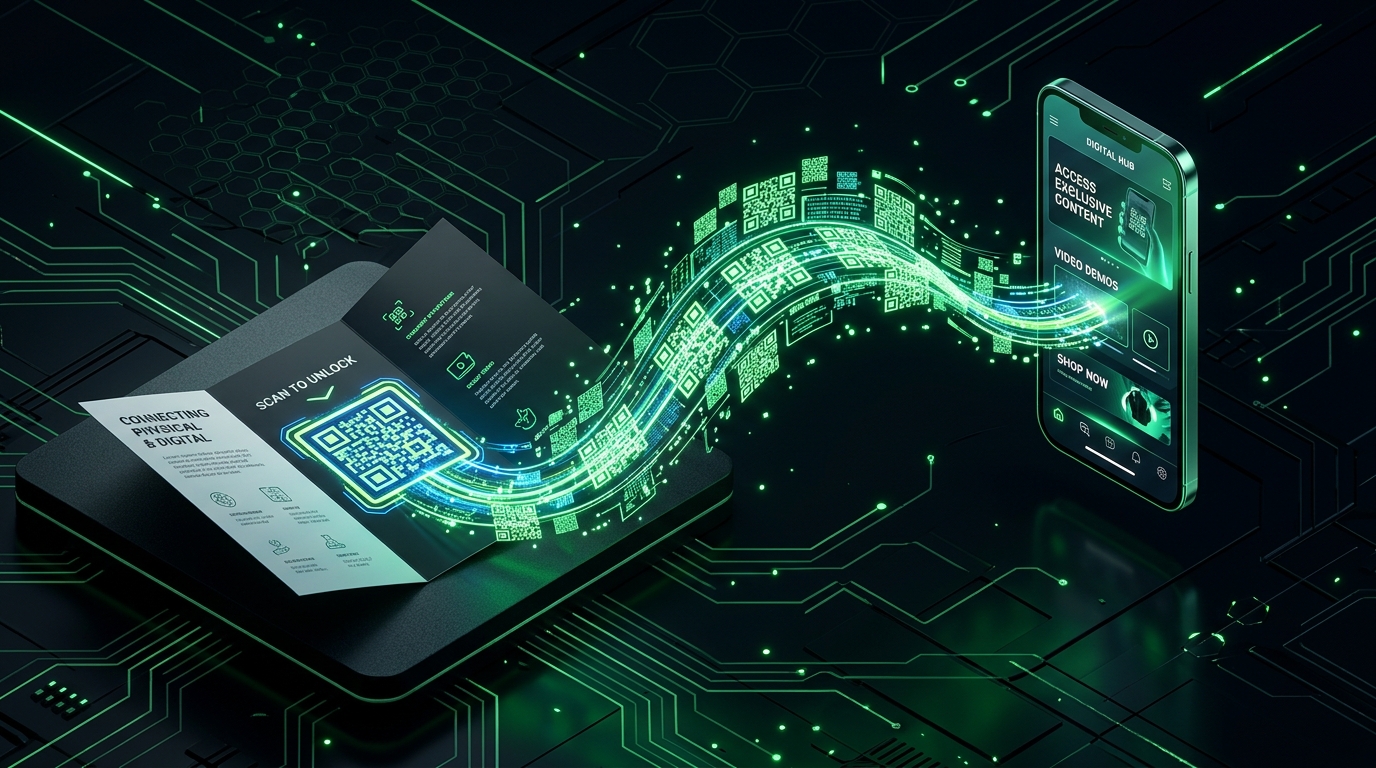
In 2026, the QR code has moved from a “pandemic-era convenience” to a Global Data Standard. We have entered the era of Interactive Environments, where every restaurant menu, real estate sign, and business card is expected to be a portal to a rich digital experience. However, the market is flooded with “predatory” generators that let you create a code for free, only to deactivate it once you’ve printed 5,000 flyers.
The “Golden Rule” of 2026 QR technology is Permanent Redirects. You must distinguish between Static (the data is hardcoded) and Dynamic (the data is a link that can be changed later). The platforms that have dominated 2026 are those that offer unlimited scans on static codes and honest, transparent limits on dynamic ones.
The most effective way to ensure your marketing materials never “break” is to use generators that don’t require an account for basic high-res downloads. This step-by-step guide to the top 5 free QR code generators of 2026 will show you how to build your digital portals for $0.
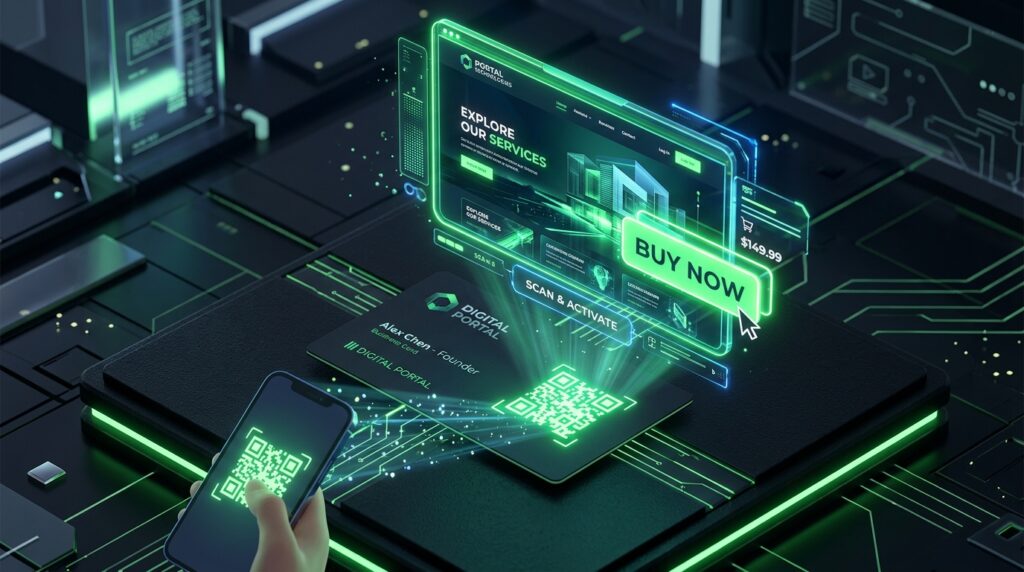
1. QRCode Monkey: The “High-Resolution” Print King
In 2026, QRCode Monkey remains the undisputed champion for professional print designers. It is a 100% free tool for static codes, famous for its “No Registration” policy and its ability to export in Vector Formats.
- Unlimited Scans & No Expiry: Unlike commercial competitors, codes generated here are yours forever. There are no “Scan Caps,” and the codes will never redirect to a “Pay to Unlock” page.
- Vector Exports for Large-Scale Print: This is the “Pro” differentiator. It allows you to download your code as an SVG, PDF, or EPS. If you are printing a QR code on a massive outdoor billboard or a high-end product box, you need vectors to prevent pixelation.
- Deep Design Customization: You can customize the “Body Shape,” “Eye Frame,” and “Eyeball” of the code. In 2026, making a QR code look “on-brand” increases scan rates by up to 40% compared to standard black-and-white boxes.
- Branded Logo Integration: You can upload your brand logo (like the Sattive Dev Labs icon) directly into the center of the code. The tool automatically handles the “Error Correction” to ensure the code remains scannable even with the logo overlay.
A common mistake to avoid is setting the “Error Correction” too low when adding a logo. In 2026, if you add a large logo, ensure your error correction is set to High (30%). This ensures that even if part of the code is obscured by your logo, the scanner can still reconstruct the data.
2. Adobe Express QR Generator: The “Brand Integrity” Tool
For those already in the creative ecosystem, Adobe Express offers a specialized QR generator that prioritizes Clean Aesthetics and seamless integration with design projects.
- Adobe Creative Cloud Sync: If you generate a code here, you can instantly pull it into your Adobe Express flyers, social posts, or brochures. It eliminates the “Download and Re-upload” friction that slows down 2026 marketing workflows.
- Professional Color Matching: You can input your exact HEX codes to ensure the QR code matches your brand’s color palette perfectly. In 2026, a “misaligned” color on a QR code can make it look like a security risk to savvy users.
- Static Codes That Last Forever: Adobe explicitly guarantees that the codes generated through their free tool do not expire. This makes it a “Safe Haven” for small business owners who are tired of being “held hostage” by other subscription-based generators.
- High-Quality PNG and JPG: While it lacks the EPS vectors of QRCode Monkey, it provides the highest quality raster exports in the industry, optimized for mobile screen readability.
3. Jotform QR Code Generator: The “No-Nonsense” Utility
If you need a code in under 10 seconds without looking at a single ad or design slider, Jotform’s 2026 generator is the most efficient “Utility” tool on the web.
- Account-Free Generation: You don’t even have to look at a login button. You paste your URL, and you get a code. It is the #1 tool for developers who just need to generate a quick test code for an Ionic mobile app or a Chrome extension.
- Support for 50+ Data Types: Beyond just URLs, Jotform allows you to generate codes for WiFi Credentials, PayPal Links, vCards, and PDF downloads.
- Transparent Backgrounds: A major 2026 design requirement. Jotform allows you to download your QR code with a transparent background for free, making it easy to overlay on top of complex website backgrounds or photography.
- “Label” Functionality: You can add a text label (like “SCAN TO PAY” or “VIEW MENU”) directly to the QR code layout. In 2026, “Call to Action” (CTA) text around a QR code increases engagement by over 25%.
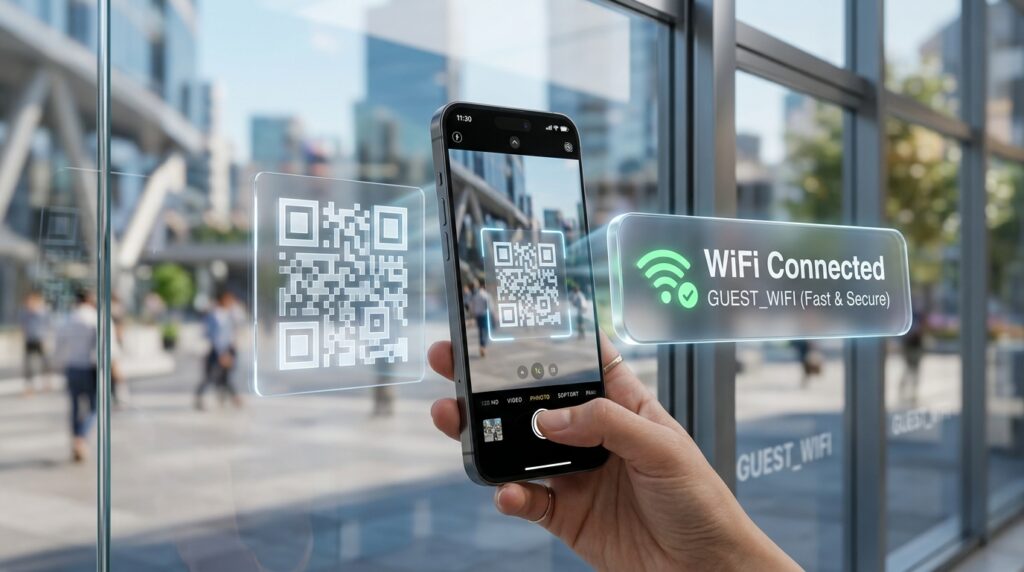
4. QR TIGER: The “Dynamic” Hybrid
QR TIGER is for the marketer who wants a taste of Dynamic Power without the enterprise price tag. While it offers premium plans, its free version is incredibly robust for growing brands.
- Canva Integration: In 2026, this is a massive win. You can generate QR TIGER codes directly inside the Canva editor. If you are building a restaurant menu or a real estate flyer in Canva, this integration saves hours of work.
- Free Static “Forever” Codes: They offer unlimited generation of static codes with no expiration. This is perfect for “Permanent Data” like your company’s About page or your official LinkedIn profile.
- Trial Dynamic Codes: QR TIGER usually offers a limited number of “Free Trial” dynamic codes. In 2026, this allows you to test Scan Tracking (seeing which city or device scanned your code) before committing to a paid plan.
- Advanced Data Types: They support specialized 2026 formats like Multi-URL codes (which redirect based on the user’s location or time of day) and Social Media Link Pages (one code for all your profiles).
5. Flowcode: The “Creator-First” Analytics Tool
Flowcode has redefined the QR space in 2026 by focusing on Privacy and Conversion. It is the favorite of “Creators” and “Influencers” who need to track their “Link in Bio” performance.
- Privacy-First Design (GDPR/CCPA): In 2026, data privacy is a legal minefield. Flowcode is the only free-tier tool that is fully compliant with modern privacy laws, ensuring that scanning your code doesn’t “creepily” track your users’ personal data.
- Built-in “Flowpage”: When you create a code, Flowcode offers a free mobile-optimized landing page. This is the perfect solution for authors or musicians who want to share a book link, a Spotify track, and a mailing list sign-up all from one scan.
- Dynamic Editing on Free Tier: Flowcode is one of the rare 2026 platforms that allows you to change the destination of your (limited) free dynamic codes even after they are printed.
- Unique “Circle” Designs: While everyone else is using squares, Flowcode popularized the circular QR code. In a sea of square marketing, a Circular QR Code acts as a visual “Stop Sign” that draws the eye and encourages interaction.
Comparison: Which 2026 QR Generator Matches Your Project?
| Platform | Best For | Top 2026 Feature | Print Quality |
| QRCode Monkey | Print Designers | Vector (SVG/EPS) Exports | ⭐⭐⭐⭐⭐ (Pro) |
| Adobe Express | Content Creators | Creative Cloud Sync | ⭐⭐⭐⭐ (High-Res) |
| Jotform | Fast Utilities | Transparent Backgrounds | ⭐⭐⭐⭐ (Clean) |
| QR TIGER | Small Teams | Canva Integration | ⭐⭐⭐⭐⭐ (Versatile) |
| Flowcode | Creators/Privacy | Mobile ‘Flowpage’ Builder | ⭐⭐⭐⭐ (Branded) |
The 2026 “Scan Mastery” Protocol: 3 Steps to 100% Success
A QR code is only as good as the Experience behind it. To ensure your scans actually convert into customers in 2026, follow the “D.I.G.” protocol:
- D – Destination Optimization (The Link): Never link a QR code to a non-mobile-friendly website. In 2026, 99.9% of scans happen on a phone. If your page takes 5 seconds to load or looks “broken” on a small screen, you have wasted the scan. Use a Flowpage or a optimized landing page.
- I – Incentivize (The “Why”): Do not just put a “naked” QR code on a wall. Give people a reason. “Scan for 10% Off,” “Scan to View Today’s Specials,” or “Scan to Hear the Secret Track.” In 2026, “Blind Scans” are rare; people need a Benefit.
- G – Gravity & Contrast (The Design): Ensure your QR code has a “Quiet Zone” (white space around it). If you use QRCode Monkey, set a high contrast between the code and the background. In 2026, low-contrast codes (like light grey on white) will fail in low-light environments like restaurants or night events.
Final Thoughts
In 2026, the QR code is the “Physical Hyperlink.” It is the most powerful tool in your marketing arsenal for converting “Analog Attention” into “Digital Action.”
By leveraging the high-resolution vectors of QRCode Monkey, the brand-first design of Adobe, or the mobile-first power of Flowcode, you are ensuring that your brand is accessible, modern, and professional. The tools are free. The codes are permanent. Your only job now is to Give them something worth scanning.






Leave feedback about this