



In 2026, the browser is no longer just a window to the web; it is the ultimate workstation. We have moved past the era of “Save and Refresh.” Today, web development is defined by Instant Feedback Loops and Cloud-Native Collaboration. Whether you are prototyping a new feature for your Ionic mobile app, refining the UI of a Chrome extension, or teaching a student the basics of semantic HTML, you need a platform that is as fast as your thoughts.
The “Golden Rule” of 2026 web development is Frictionless Iteration. Every second spent switching between a text editor and a browser tab is a second of lost creative momentum. The platforms that have dominated 2026 are those that offer Live Real-Time Previews, NPM Integration, and Zero-Config Environments.
The most effective way to master web development today is to “play” in a sandbox where errors are identified instantly and success is visible in real-time. This step-by-step guide to the top 5 free HTML editor websites of 2026 will show you how to build your digital legacy for $0.
1. CodePen: The “Social Development” Hub
In 2026, CodePen remains the undisputed king of the frontend community. It isn’t just an editor; it is a Global Portfolio. For a developer, a “Pen” with 1,000 likes is more valuable than a certificate of completion.
- The “Three-Pane” Workflow: CodePen’s classic layout—HTML on the left, CSS in the middle, JS on the right, and the Preview at the bottom—is the 2026 industry standard for prototyping. It allows for “Atomic Design,” where you build small, reusable components in total isolation.
- Pre-processor Power: You don’t need to configure a build tool. CodePen supports Pug (HTML), Sass/SCSS (CSS), and TypeScript (JS) natively. You just toggle a setting, and the editor handles the compilation in the background.
- The “Asset Library” (Free Tier): In 2026, CodePen’s free tier allows for limited asset hosting. This means you can upload your brand icons or a small JSON file of food facts and link them directly to your Pen without needing external hosting.
- Collaborative “Professor Mode”: For educators, the free version of CodePen allows others to view your code in real-time as you type. It is the #1 tool for live coding sessions and remote debugging.
A common mistake to avoid is treating CodePen as a full website host. In 2026, CodePen is a Playground, not a Production Server. While you can share your Pens, they are not optimized for SEO or large-scale traffic. Use it to build the parts; use a host like Vercel to launch the whole.
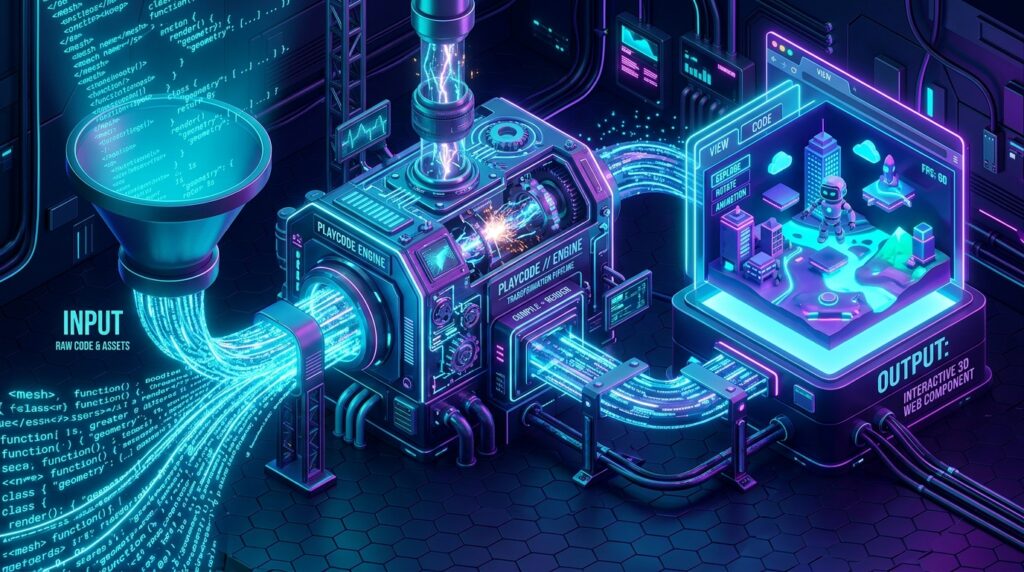
2. Playcode: The “High-Performance” JavaScript Playground
If CodePen is for “Design,” Playcode is for “Logic.” In 2026, Playcode has become the favorite for developers who need to test complex JavaScript logic or modern frameworks like React, Vue, or Svelte with zero setup time.
- Lightning-Fast Refresh: Playcode’s 2026 engine is the fastest in the world. It doesn’t “refresh” the page; it “patches” it. As you type a single character, the preview updates instantly, allowing for a “Flow State” that traditional editors can’t match.
- NPM Package Support: This is Playcode’s “Killer Feature.” You can import any of the 2 million+ packages from the NPM registry directly into your HTML editor. If you need a specific library like
Three.jsfor 3D graphics orLodashfor data manipulation, you just type the import, and Playcode handles the rest. - Console-First Debugging: Unlike basic editors, Playcode features a high-fidelity, built-in console. It catches errors in real-time and provides AI-powered suggestions on how to fix them, making it an incredible learning tool for beginners.
- Free Subdomain Publishing: You can take your “Playground” project and publish it to a free
playcode.iosubdomain with one click. In 2026, this is the fastest way to send a working prototype of a mobile app UI to a client for review.

3. StackBlitz: The “Cloud OS” for Developers
StackBlitz has revolutionized 2026 web development by bringing the entire Visual Studio Code (VS Code) experience into the browser. It is built on WebContainers, which allows a full Node.js environment to run natively in your browser tab.
- The Full VS Code Experience: If you know how to use VS Code, you know how to use StackBlitz. It features the same file explorer, the same IntelliSense (autocompletion), and the same keyboard shortcuts. It is the most “Professional” tool on this list.
- Offline Coding: Because it uses WebContainers, StackBlitz can work offline. You can start your code on a plane with no Wi-Fi, and it will keep running and previewing perfectly. The moment you reconnect, it syncs your changes to the cloud.
- GitHub Integration: You can open any GitHub repository directly in StackBlitz by simply adding
stackblitz.com/github/to the URL. In 2026, this is how developers “audit” codebases or contribute to open-source projects without cluttering their local machines. - Always-Online Apps: Your free projects on StackBlitz stay online even when you close the tab. This makes it an excellent choice for hosting small, functional web utilities or dev tools for your team.
4. JSFiddle: The “Minimalist” Classic
In 2026, JSFiddle remains the “Swiss Army Knife” for quick bug-fixing and technical support. It is the tool of choice for StackOverflow users because it is lightweight, no-nonsense, and focuses entirely on the code.
- Boilerplate Templates: JSFiddle offers pre-made “Boilerplates” for every major library, including Tailwind CSS, Bootstrap, jQuery, and React. You don’t have to link to CDNs manually; you just pick your framework and start coding.
- Collaboration (Live): Their “Together” feature allows for 100% free, real-time collaborative coding. You and a peer can work on the same snippet from different sides of the world, with a shared chat box to discuss the logic.
- Result Toggling: You can choose to see the result in a separate tab or within the editor. For 2026 mobile developers, JSFiddle’s “Result-Only” view is the best way to test how an HTML component looks on a vertical smartphone screen.
- Zero Registration “Gists”: You don’t need an account to save and share your work. JSFiddle generates a permanent URL for your “Fiddle,” making it the fastest way to share a code snippet in a technical forum or a support ticket.
5. HTML Online (Word-to-HTML): The “Content Specialist”
While the others are for “Developers,” HTML Online (and tools like onlinehtmleditor.dev) is the 2026 champion for Content Managers and Bloggers. It features a WYSIWYG (What You See Is What You Get) editor on one side and a clean code editor on the other.
- Visual-to-Code Translation: You can write your content like you’re using Microsoft Word or Google Docs—adding bold text, images, and tables visually. The tool automatically generates the “Clean” HTML code on the right-hand side.
- The “Clean Code” Filter: In 2026, CMS platforms like WordPress often add “bloat” (extra spans and classes) to your text. This tool features a “Clean” button that strips out all unnecessary styling, leaving you with perfect, semantic HTML.
- Word/PDF Import: You can paste a document from Word, and it will convert the formatting into HTML instantly. For a creator publishing a book of food facts or an ebook guide, this is a massive time-saver.
- Table Styler: Tables are notoriously difficult to code by hand. This tool allows you to build a table visually and then gives you the exact
<table>code to paste into your website or plugin.
Comparison: Which Online Editor Matches Your Task?
| Platform | Best For | Top 2026 Feature | Logic Level |
| CodePen | Designers / CSS Pros | Social Community & Assets | Visual / UI Focus |
| Playcode | JS Devs / Frameworks | NPM Integration & Speed | Logic / App Focus |
| StackBlitz | Full-Stack / Pro Devs | Offline WebContainers | Engineering Focus |
| JSFiddle | Bug Fixing / Support | Framework Boilerplates | Quick Task Focus |
| HTML Online | Bloggers / Beginners | WYSIWYG to Clean HTML | Content Focus |
The 2026 “Web Mastery” Routine: 3 Steps to Launch
An editor is just a tool; Execution is the objective. To ensure your web projects succeed in 2026, follow the “Sandbox-Sync-Ship” protocol:
- Phase 1: The “Sandbox” (CodePen / JSFiddle): Start with an isolated component. If you are building a “Click to Call” widget, build only that widget in CodePen. Fix the styling and the basic logic in a zero-noise environment.
- Phase 2: The “Sync” (StackBlitz): Once your components are ready, move them into a full project structure in StackBlitz. Connect it to your GitHub repository. This is where you manage multiple files, assets, and dependencies.
- Phase 3: The “Ship” (Playcode / Vercel): Use Playcode to do a final “Performance Audit” on a real-time subdomain. Once the speed is perfect, deploy your GitHub repo to a production host.
Final Thoughts
In 2026, your HTML Editor is the “Digital Canvas” of your creativity. Whether you are building complex WordPress plugins, designing sleek mobile UIs, or writing historical guides, your ability to manipulate code determines your digital reach.
By leveraging the “Social Reach” of CodePen, the “Logical Power” of Playcode, or the “Engineering Depth” of StackBlitz, you are building a professional development workflow for $0. The browser is open. The code is waiting. Your only job now is to Define the Structure.






