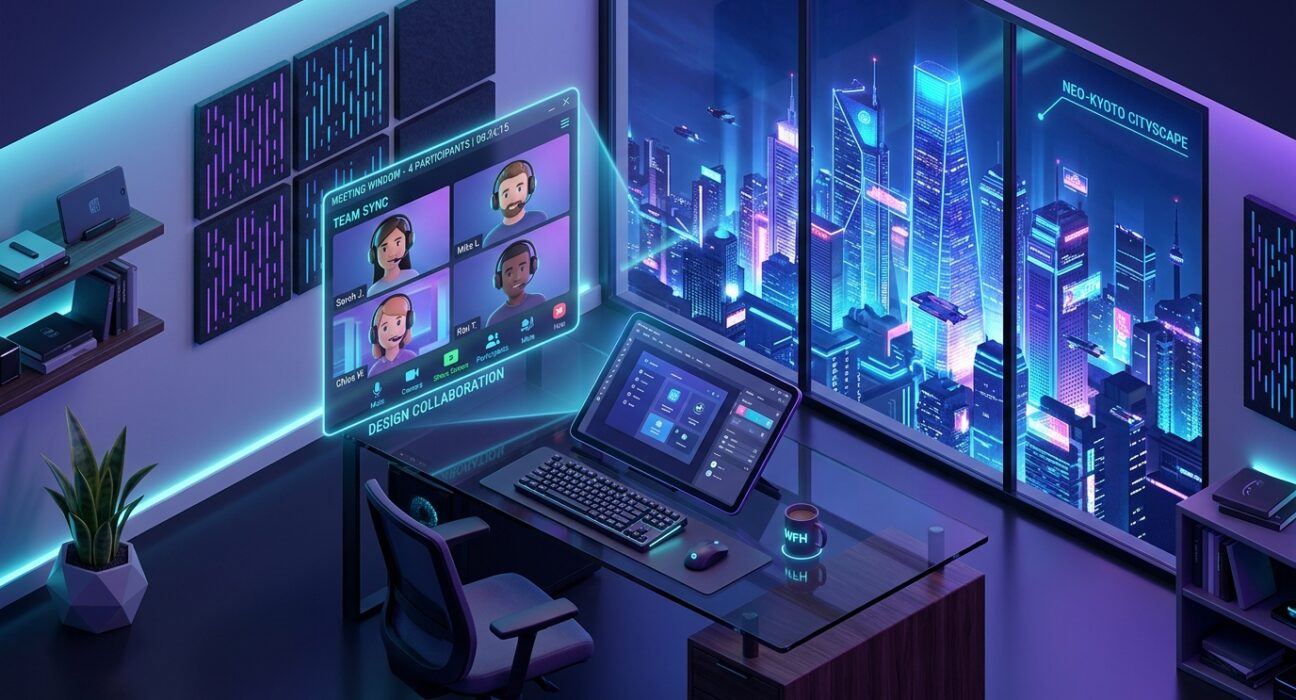
In 2026, work is Spatial. With the integration of AI-driven background removal in every major meeting app (Zoom, Teams, Meet, and Webex), the “Green Screen” has become largely optional, but the “Image Quality” has become non-negotiable.
The “Golden Rule” of 2026 virtual presence is Contextual Congruence. Your background must match the vibe of the meeting. A casual Friday “Happy Hour” requires a different aesthetic than a “Quarterly Board Review.” The platforms that dominate 2026 are those that offer High-Resolution (4K) Stills, Seamless Video Loops, and AI Customization.
The most effective way to elevate your digital authority today is to curate a “Background Wardrobe.” This step-by-step guide to the top 5 free virtual background websites of 2026 will show you how to architect your professional world for $0.
1. Canva: The AI-Powered Design Studio
In 2026, Canva has moved far beyond simple templates. It is now the premier AI Virtual Background Generator. If you want a background that literally no one else on Earth has, Canva is your primary engine.
- Magic Media (Text-to-Image): This is Canva’s 2026 superpower. You can type a prompt like: “A minimalist, ultra-modern glass office in a Tokyo skyscraper during a rainy sunset, cinematic lighting,” and Canva generates four unique 4K backgrounds for you. It’s the end of “Generic Stock Photos.”
- Branded Customization: For founders and agencies, Canva allows you to take a professional office background and “drop in” your logo. You can place your Sattive Dev Labs branding on a virtual 3D-rendered wall, creating an instant “Corporate Office” feel.
- Animated Elements: You can add subtle motion—like a steaming cup of coffee or a ceiling fan—to a still image. In 2026, these “Micro-Animations” make a background look like a real room rather than a flat photo.
- Format-Ready Exports: Canva provides presets for every major meeting app. You don’t have to worry about “aspect ratios” or “cropping”; just hit “Download as Zoom Background” and you are ready to go.
A common mistake to avoid is “Over-Designing.” In 2026, the most professional backgrounds are Understated. If your background has too much AI-generated neon or complex geometry, it will distract from your face. Aim for 70% Neutral Tones and 30% Visual Interest.
2. Unsplash: The High-Fidelity Professional Library
If Canva is for “Creation,” Unsplash is for “Authenticity.” In 2026, it remains the gold standard for high-resolution, professional photography that looks like a “Real Life” elite workspace.
- The “Architectural Digest” Aesthetic: Unsplash photographers specialize in clean lines, natural light, and modern interiors. If you want people to think you are actually sitting in a $10 million sunlit loft, Unsplash is your source.
- 4K and 8K Resolution: In 2026, with the rise of 4K webcams, a low-res background looks amateur. Unsplash images are high-fidelity, ensuring that when your meeting app “cuts” you out, the background remains sharp and believable.
- Color Psychology Filters: You can search by color. Need a “Calming Blue” for a high-stress negotiation? Or a “Powerful Slate” for a leadership pitch? Unsplash allows you to filter by tone to match your emotional objective.
- Curated “Virtual Background” Collections: Unsplash has dedicated 2026 collections curated by professional designers specifically for video calls, ensuring the “Perspective” and “Depth of Field” are correct for a webcam setup.
3. Pexels / Mixkit: The Cinematic Video Loop Specialist
Sometimes, a still image feels “Frozen.” In 2026, Pexels (and its sister site Mixkit) are the leaders in Free Video Backgrounds.
- Cinemagraph Style Loops: These are high-quality videos where only a small part of the image moves (e.g., a curtain swaying in the wind or city lights flickering in the distance). In 2026, these provide the “Liveness” of a real room without the distraction of a full video.
- Vertical and Horizontal Diversity: Whether you are on a desktop or a mobile “Zoom on the Go,” Pexels provides the correct orientations.
- Nature and “Serenity” Hubs: For wellness coaches or creators, Pexels offers the best high-definition loops of forests, oceans, and rainy windows. These “Biophilic” backgrounds are proven to lower the heart rate of meeting participants.
- No-Watermark Freedom: Unlike many “Free” video sites in 2026, Pexels and Mixkit offer 100% royalty-free, unbranded footage. You never have to worry about a “Trial Version” logo ruining your presentation.
4. Adobe Express: The Designer-Grade Template Hub
Adobe Express is the 2026 choice for those who want the “Adobe Quality” without the “Photoshop Complexity.” It is the bridge between a simple photo and a fully designed environment.
- Generative Fill Customization: You can take a standard office template and use Adobe’s AI to “Fill” the shelves with books related to your industry. In 2026, “Personalizing the Props” is how you signal expertise.
- High-End Lighting Filters: Adobe Express allows you to apply “Filters” that match the lighting of your background to the lighting on your face. This “Visual Blending” is the secret to making a virtual background look 100% real.
- Professional Typography: If you are hosting a webinar, you can add a “Name Tag” or a “Social Handle” directly into the background design. It acts as a digital “Lower Third” without needing a separate broadcast software.
- Access to Adobe Stock (Limited): The free tier of Express gives you a “Taste” of the multi-million image Adobe Stock library, which is generally more “Corporate and Polished” than other free sites.
5. Zoom / Teams Official Galleries: The Frictionless Reliability
In 2026, the Official Galleries from Zoom and Microsoft Teams have evolved into massive, curated repositories of “Verified” backgrounds.
- Pre-Tested Perspective: Every image in these galleries is pre-vetted to ensure the “Camera Angle” matches a standard laptop webcam. You won’t end up looking like a “Giant” in a “Tiny Room.”
- Brand Collaborations: In 2026, major brands (like IKEA, Star Wars, or West Elm) release official backgrounds through these galleries. You can sit in a “Millennium Falcon” cockpit or a “West Elm” living room with 100% legal permission.
- “Together Mode” Scenes: If you are a host, the Teams Gallery allows you to download “Scenes” where everyone in the meeting appears to be sitting in the same auditorium or coffee shop. This “Spatial Sync” is a major 2026 team-building trend.
- Zero-Upload Integration: Because they are native, these backgrounds load instantly and use the least amount of CPU power, ensuring your computer doesn’t lag during an important presentation.
Comparison: Which 2026 Background Tool Matches Your Call?
| Platform | Best For | Technical Strength | 2026 “Pro” Feature |
| Canva | Founders / Personal | AI Text-to-Image Gen | Magic Media Customization |
| Unsplash | Professionals | 8K High-Res Stills | Architectural Authenticity |
| Pexels | Creators / Calm | Cinematic Video Loops | Atmospheric Cinemagraphs |
| Adobe Express | Designers / Webinars | Lighting & Asset Blending | Generative Fill Prop-Swap |
| Zoom/Teams | Reliability / Fun | Native App Integration | Together Mode Scenes |
The 2026 “Virtual Presence” Protocol: 3 Steps to Visual Authority
A background is only as good as the Lighting and the Edge. To ensure your 2026 virtual presence is unshakeable, follow the “Light-Level-Blend” protocol:
- Phase 1: The “Face Light” (The Prep): Your background removal software works by identifying “Contrast.” If your face is dark and your background is light, the AI will cut off your ears or hair. Use a simple Ring Light or sit facing a window. In 2026, “Frontal Lighting” is the law.
- Phase 2: The “Depth Level” (The Setup): Position your camera at Eye Level. Do not look “Down” at your laptop. If the camera is too low, the perspective of your virtual office (from Unsplash) will look “Broken.”
- Phase 3: The “Visual Blend” (Adobe/Canva): Try to match your physical clothing to the background. If you are using a “Minimalist White Office,” don’t wear a white shirt—you will become a “Floating Head.” Wear a contrasting color to help the AI maintain a clean “Edge.”
Understanding 2026 Visual Trends: “Spatial Minimalism”
In 2026, the “Busy” backgrounds of the 2020s (bookshelves full of trinkets, messy plants) are being replaced by Spatial Minimalism.
- The “Blurred” Hybrid: Many 2026 professionals use a high-res Unsplash photo but apply a 20% Blur in the meeting app. This creates a “Bokeh” effect that makes you look like you are being filmed with a professional $2,000 DSLR camera.
- The “Digital Brand Loft”: For agencies like Sattive Dev Labs, the trend is to have a “Clean Grey” or “Navy Blue” textured wall with a subtle, 3D-effect logo. It signals “Office” without needing an actual office.
- 3D Spatial Environments: New for 2026, some platforms offer “360-degree” backgrounds that shift slightly as you move your head, creating a terrifyingly realistic sense of depth.
Final Thoughts
In 2026, your Virtual Background is the “Digital Land” you inhabit. It is the silent signal of your professionalism, your attention to detail, and your brand’s personality.
By leveraging the “AI Magic” of Canva, the “High-Res Reality” of Unsplash, or the “Cinematic Motion” of Pexels, you are building a world-class professional presence for $0. The rooms are open. The lighting is perfect. Your only job now is to Join the Meeting.