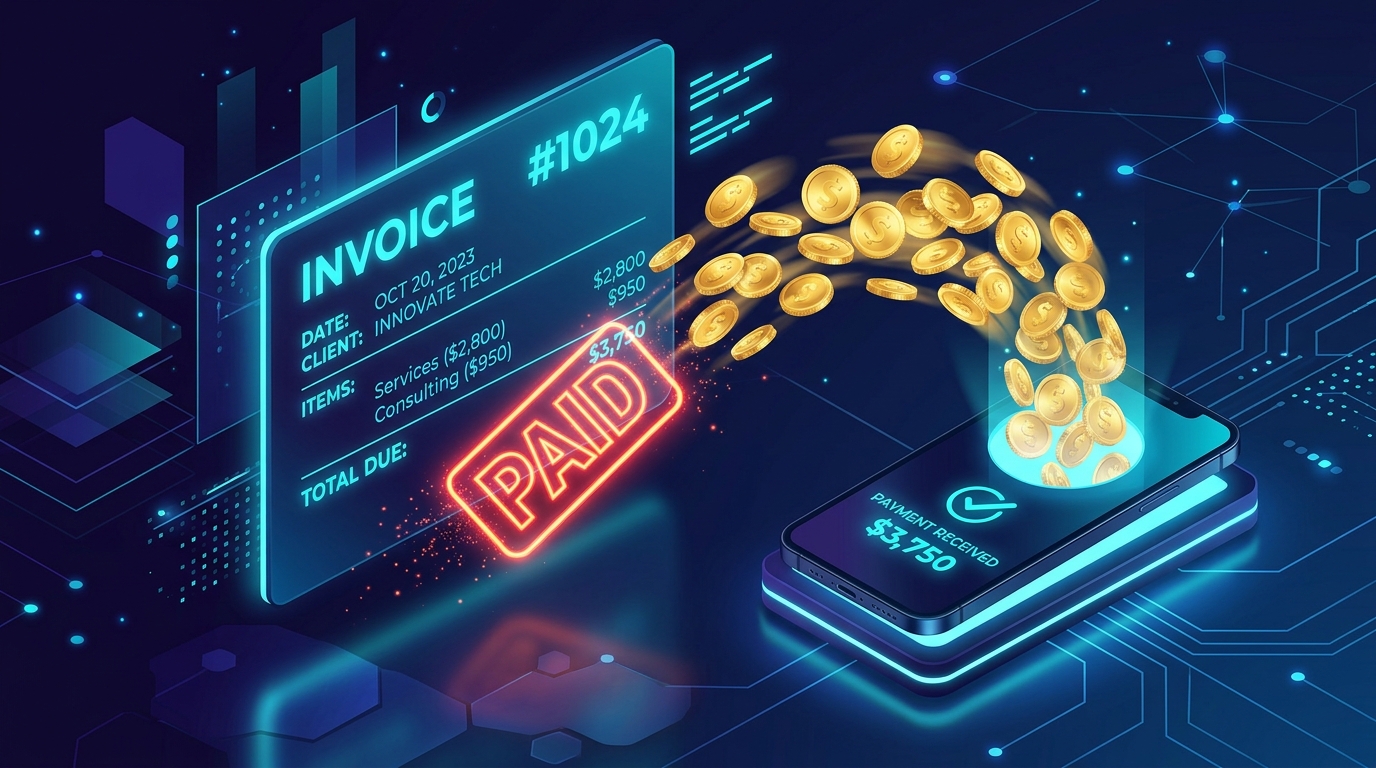
In 2026, the “Invoice” is the final and most critical touchpoint of your client experience. It is the bridge between the work you’ve performed and the capital you’ve earned. Yet, many talented creators—from Sattive Dev Labs developers to digital authors—still treat invoicing as an afterthought. If you are sending a plain-text email or a poorly formatted PDF, you aren’t just looking unprofessional; you are creating Payment Friction.
The “Golden Rule” of 2026 billing is Automated Professionalism. An invoice should be more than a request for money; it should be a structured, legally compliant document that includes One-Click Payment Links, Transparent Itemization, and Automatic Tax Calculations.
The platforms that have dominated 2026 are those that have removed the “Data Entry” nightmare. The best free tools today offer Cloud Saving, Multi-Currency Support, and Native Brand Customization. This step-by-step guide to the top 5 free invoice generator websites of 2026 will show you exactly how to build a world-class billing system for $0.
1. Invoice Generator (by Invoiced): The “No-Login” Speedster
In 2026, Invoice-Generator.com remains the absolute gold standard for “Instant Billing.” It is a minimalist, browser-based tool that requires no account, no password, and no setup. It is designed for the person who needs to send an invoice right now.
- The “Zero-Friction” UI: The moment you land on the site, you are looking at a blank invoice template. There are no sidebars, no ads, and no dashboards. You simply type over the placeholder text, add your logo, and you’re done.
- Universal Exporting: Once finished, you can download your invoice as a high-quality PDF or send it directly via a secure link. In 2026, sending a Link is often better than an attachment, as it allows you to see if the client has opened the document.
- Unlimited Usage: Unlike “Freemium” tools that cap you at 3 invoices per month, this tool is completely unlimited. Whether you send one invoice a year or one hundred a month, it costs nothing.
- Multi-Currency & Tax Logic: You can switch between 100+ global currencies and add custom tax percentages (like GST or VAT) with a single click. For a developer working with international clients, this “Global Readiness” is vital.
A common mistake to avoid is forgetting to save your data. Because this tool is “No-Login,” if you close your browser tab, your data is gone. In 2026, the pro move is to Download the JSON file provided by the site after each invoice; you can upload that file later to “Auto-Fill” your recurring client’s details.
2. Wave Accounting: The “Full-Suite” Free Powerhouse
If Invoice Generator is a “Scalpel,” Wave is a “Surgical Center.” In 2026, Wave remains the only major platform that offers 100% Free Professional Invoicing combined with a full accounting backend.
- Automated Recurring Billing: If you have a client on a monthly retainer for WordPress maintenance or SEO services, Wave allows you to set up “Recurring Invoices.” The system will automatically generate and email the invoice on the 1st of every month without you lifting a finger.
- The “Wave Checkout” Integration: While the invoicing is free, you can enable “Wave Payments.” This allows your clients to pay you via Credit Card or Apple Pay directly from the invoice. In 2026, providing a “Pay Now” button increases your chance of getting paid within 24 hours by 70%.
- Professional Branding: Wave offers three distinct template styles (Classic, Modern, and Contemporary). You can customize the accent colors to match your brand’s UI/UX, ensuring your financial documents look like they come from a high-end agency.
- Mobile App Ecosystem: Wave’s 2026 mobile app is a powerhouse. You can finish a client meeting, whip out your phone, and send the invoice before you even get back to your car.
3. Zoho Invoice: The “Privacy & Automation” Leader
Zoho Invoice made waves in the industry a few years ago by making their entire standalone invoicing app completely free forever for small businesses. In 2026, it is the best tool for those who value Security and Workflow Automation.
- The “Client Portal”: This is Zoho’s “Secret Weapon.” Your clients get their own secure login where they can see all their past invoices, current balances, and upcoming projects. It removes the “Can you resend that invoice from June?” emails forever.
- Expense Tracking: Zoho allows you to “Scan” receipts and link them to specific projects. If you bought a premium plugin for a client’s website, you can “Rebill” that expense directly on their next invoice with the receipt attached as proof.
- Time Tracking Integration: For freelancers who bill by the hour, Zoho includes a built-in timer. You track your hours as you code or design, and with one click, those hours are converted into a perfectly itemized invoice.
- Snail Mail Service: In 2026, some traditional clients still want paper. Zoho allows you to click “Send via Post,” and for a small fee, they will physically print, stamp, and mail your invoice to the client’s office.
4. PayPal Invoicing: The “Trust & Global” Standard
For many freelancers, PayPal is where the money already lives. In 2026, their built-in Business Invoicing tool is the fastest way to get paid if you are working with international clients who may not trust smaller platforms.
- Immediate Trust: When a client sees a “PayPal Verified” invoice, they feel secure. It offers “Buyer Protection” and “Seller Protection,” which is vital when you are working with a new client for the first time.
- The “QR Code” Invoice: New for 2026, PayPal allows you to generate a “Payment QR Code.” If you are doing an in-person consultation or a speaking gig, the client can just scan your phone and pay the invoice instantly.
- Partial Payments & Deposits: If you are starting a large project (like building a mobile app), you can set the invoice to allow a 50% Deposit. The client pays the first half to start the work, and the invoice remains “Partial” until the final milestone is hit.
- Installment Options: PayPal’s “Pay Later” feature is integrated into your invoices. In 2026, this allows your clients to pay you in 4 installments while you get the full amount upfront. It’s a massive win for closing high-ticket deals.
5. Square Invoices: The “Retail & Service” Hybrid
If your brand has both an online and offline presence, Square is the 2026 leader. It bridges the gap between digital billing and physical point-of-sale.
- Milestone Invoicing: Square’s free tier excels at “Project Progress” billing. You can set up an invoice that requests 25% at the “Design Phase,” 25% at the “Development Phase,” and 50% at “Launch.”
- Card on File: With the client’s permission, Square can securely store their credit card. For recurring services, you can “Charge the Card” automatically, turning your freelance business into a seamless subscription model.
- Digital Estimates to Invoices: You can send a professional “Estimate” first. Once the client clicks “Approve,” Square instantly converts that estimate into an active invoice. It closes the “Sales-to-Operations” gap.
- Contract Integration: In 2026, you shouldn’t send an invoice without a contract. Square allows you to attach a Digital Signature requirement to your invoice, ensuring you are legally protected before any money changes hands.
Comparison: Which Free Invoice Tool Matches Your Business?
| Platform | Best For | 2026 “Pro” Feature | Effort Level |
| Invoice Generator | Solo / Quick Sends | No-Login Instant Export | Zero Setup |
| Wave | Small Agencies | Full Accounting Integration | Moderate (Suite) |
| Zoho Invoice | Freelancers | Private Client Portal | Moderate (Full) |
| PayPal | International | QR Codes & Installments | Low (Trust) |
| Square | Service Providers | Milestone & Contract Sync | Moderate (Retail) |
The 2026 “Fast-Pay” Protocol: 3 Steps to Getting Paid
An invoice is a legal document, but it is also a Communication Tool. To ensure you aren’t waiting 30 days for your hard-earned money in 2026, follow the “Precision-Speed-Follow-up” protocol:
- Phase 1: The “Granular Itemization” (The Invoice): Do not just write “Website Development – $2,000.” Break it down. Use your Zoho or Wave tool to list: “UI/UX Design,” “API Integration,” “SEO Optimization.” When a client sees exactly what they are paying for, they are 40% less likely to dispute the price.
- Phase 2: The “Frictionless Payment” (The Method): Always include at least two ways to pay. In 2026, the standard is Bank Transfer (ACH) for large amounts and Instant Pay (PayPal/Apple Pay) for smaller amounts. If a client has to “figure out” how to pay you, they will put it off until next week.
- Phase 3: The “Automated Nudge” (The Follow-up): Use the automated reminders in Wave or Zoho. Set a reminder for 3 days before the due date and 1 day after. In 2026, people are busy; a polite, automated “Nudge” is often all it takes to move your invoice to the top of their priority list.
Final Thoughts
In 2026, your “Invoicing System” is the heartbeat of your business. It is the proof that your “Dev Lab” or your “Content Brand” is a professional entity, not a hobby.
By leveraging the “Instant Speed” of Invoice Generator, the “Accounting Power” of Wave, or the “Trust” of PayPal, you are building a financial infrastructure for $0. The tools are free. The templates are professional. Your only job now is to Do the work and send the bill.


Leave feedback about this