


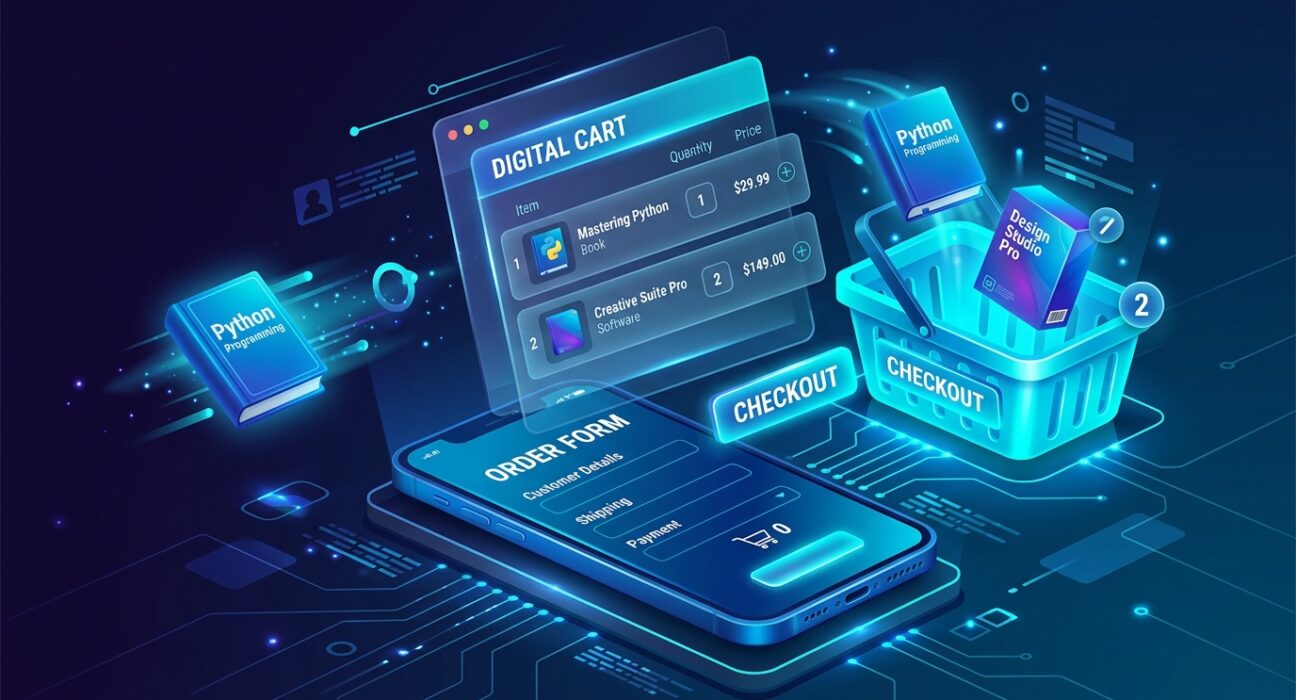
In 2026, the barrier to entry for selling online has effectively vanished. We have entered the era of Frictionless Commerce, where you no longer need a complex website to take an order. Whether you are selling a custom WordPress plugin, a physical children’s book, or a digital food facts guide, the “Order Form” has become your primary storefront.
The “Golden Rule” of 2026 order forms is Automated Calculation. In a world of instant gratification, your customers should not have to manually add up their totals or calculate tax. Your form should do the heavy lifting—calculating quantities, applying discounts, and providing a final price before the user even hits “Pay.” The platforms that have dominated 2026 are those that offer Inventory Management and Payment Gateways on their free tiers.
The most effective way to scale your brand today is to use AI-Assisted Form Building to launch your “Minimum Viable Product” (MVP) in minutes. This step-by-step guide to the top 5 free order form builders of 2026 will show you how to start generating revenue for $0.
1. Tally: The “Unlimited” Disruptor
In 2026, Tally has become the undisputed favorite for startups and developers. It is a “Notion-like” form builder that has completely changed the industry by offering Unlimited Forms and Unlimited Submissions for free.
- The Notion Interface: If you can type in a Google Doc, you can use Tally. You just start typing and use the
/command to insert “Payment Blocks,” “Image Choice,” or “Calculation Fields.” This “Natural Language” approach makes it the fastest way to build an order form in 2026. - 100% Free Payments: Unlike legacy builders, Tally does not take a “Transaction Fee” on top of what Stripe or PayPal charges. This makes it the #1 choice for “Sattive Dev Labs” projects where every dollar counts.
- Calculation & Logic: You can build complex pricing models. For example: “If Quantity > 5, apply 10% discount.” In 2026, Tally’s free version handles these “If/Then” logic flows that other sites charge $20/month for.
- Embed Anywhere: You can embed your Tally form as a popup on your blog, a full-page link in your social media bio, or a sleek widget inside your Ionic mobile app.
A common mistake to avoid is neglecting the “Success Page.” Tally allows you to redirect users to a custom URL after they pay. In 2026, this is where you should host your “Digital Download” or “Thank You” video to maximize customer satisfaction.
2. Jotform: The Template Titan
Jotform is the “Grandfather” of the industry, and in 2026, it remains the king of Pre-Built Solutions. With over 20,000 templates, you rarely ever have to start from a blank page.
- Product List Element: This is Jotform’s “Secret Weapon” for 2026. It is a dedicated field that acts like a mini-store. You can add photos, descriptions, and “Stock Limits.” If you only have 50 copies of your children’s book, the form will automatically show “Out of Stock” once the 51st person tries to buy.
- 40+ Payment Integrations: While most free tools only offer Stripe, Jotform allows you to connect to Square, PayPal, Authorize.net, and even Apple Pay.
- 10 Monthly Payment Limit: This is the trade-off. Jotform’s free tier is “Feature-Rich” but “Volume-Limited.” You can only take 10 payments per month for free. This makes it perfect for High-Ticket Freelancers (like a web designer booking 2 clients a month) rather than high-volume shops.
- AI Form Copilot: New for 2026, you can simply type: “Build me an order form for a vegan bakery with 5 products and a delivery date picker,” and Jotform’s AI will build the entire structure, including the images and math, in under 10 seconds.
3. Google Forms: The “Totally Free” Essential
For the absolute beginner, Google Forms is the 2026 staple. It has no “Premium” tier for individual users, meaning every feature is available to everyone for free.
- Unlimited Everything: You can have 1,000,000 orders and Google will never ask for a penny. This makes it the best tool for Internal Orders (like a school shirt sale) or Pre-Launch Waitlists.
- The “Manual” Payment Workaround: Google Forms does not have a native “Pay Now” button. In 2026, pro users use the “Redirect” feature. After the customer fills out their order, the “Thank You” message contains a UPI or PayPal link. While less professional, it is 100% free for high-volume local sales.
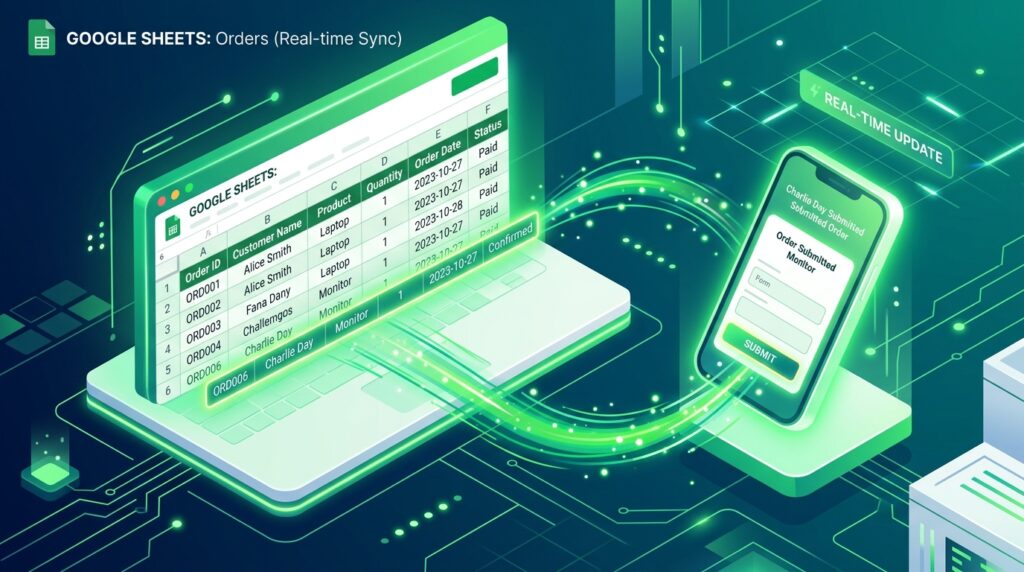
- Google Sheets Sync: Every order appears instantly in a Google Sheet. For a developer, this is a dream. You can use Apps Script to automatically send an email or trigger a Slack notification the moment an order arrives.
- Conditional Logic: You can “Send to section based on answer.” If a customer selects “International Shipping,” you can automatically send them to a section with higher shipping fees, ensuring your order data is clean and accurate.

4. Cognito Forms: The “Enterprise Logic” Specialist
If your order form requires complex “Math” (like tax rates that change based on state, or bulk pricing for different variants), Cognito Forms is the 2026 leader in Dynamic Logic.
- Advanced Calculations: Cognito allows you to use Excel-style formulas. You can calculate VAT, Sales Tax, and Shipping based on the user’s zip code. In 2026, this level of precision on a free tier is almost unheard of.
- Repeating Sections: If a customer wants to order 10 different items, Cognito allows them to “Add Another Item” as many times as they want without cluttering the form. It keeps your UI clean while allowing for massive orders.
- 100 MB of File Uploads: If your service requires a “Design Brief” or an “Image Upload” from the customer, Cognito provides 100MB of storage for free. This is perfect for custom graphic design or personalized product orders.
- Electronic Signatures: You can include a “Sign Here” box at the bottom of your order. In 2026, this makes your order form act as a Legal Contract, protecting your business from disputes.
5. Zoho Forms: The “Business Automation” Hub
Part of the massive Zoho suite, Zoho Forms is for the person who wants their order form to “talk” to their CRM and Accounting software. In 2026, it is the best tool for “Vertical Integration.”
- 500 Submissions Per Month: This is the most generous “Volume” limit for a structured builder. If you are a medium-sized creator, 500 orders a month is a huge runway for growth.
- Native Zoho CRM Sync: If a customer buys from you, their details are automatically added to your “Lead List” in Zoho. You don’t need a middleman like Zapier.
- Email & SMS Notifications: You can set up an automated “Confirmation SMS” for the customer. In 2026, sending a text that says “Your order has been received!” creates an elite level of trust that “just an email” can’t match.
- Multi-Page Forms: Zoho allows you to break your order into “Steps.” Step 1: Personal Info. Step 2: Product Choice. Step 3: Payment. This “One Step at a Time” approach increases conversion rates by 35% compared to a single long page.
Comparison: Which Order Form Matches Your Business?
| Platform | Best For | 2026 “X-Factor” | Free Submission Limit |
| Tally | Startups / Devs | No Transaction Fees | Unlimited |
| Jotform | Fast Launches | Inventory Tracking | 10 Payments / Mo |
| Google Forms | Budget / Internal | Ecosystem Sync | Unlimited |
| Cognito Forms | Complex Pricing | Excel-style Formulas | 500 Submissions / Mo |
| Zoho Forms | Business Owners | CRM & SMS Sync | 500 Submissions / Mo |
The 2026 “Revenue Launch” Routine: 3 Steps to Your First Sale
Building a form is easy; building a Conversion Engine requires a system. To ensure your order form actually makes money in 2026, follow the “Check-Out” protocol:
- Phase 1: The “Visual Validation” (Jotform / Tally): Use high-quality 3D mockups of your product. In 2026, people “buy with their eyes.” If you are selling a digital book, show a 3D rendering of the book on a tablet.
- Phase 2: The “Friction Audit” (Google Forms): Remove every question that isn’t essential. Do you really need their phone number? If not, delete it. Every extra field reduces your conversion rate by 5%.
- Phase 3: The “Post-Purchase Loop” (Zoho / Sheets): Automate the delivery. If it’s a digital product, the “Success Page” must have the link. If it’s a service, they should get an instant email with their “Project Start Date.”
Final Thoughts
In 2026, an order form is the “Digital Handshake” of your business. It is where your “Marketing” ends and your “Revenue” begins.
By leveraging the “Unlimited” power of Tally, the “Intelligence” of Cognito, or the “Simplicity” of Google, you are effectively building a global business for $0. The storefront is ready. The payments are secure. Your only job now is to Make the Offer.






