



In the high-stakes world of 2026, a presentation is no longer just a backdrop—it is a digital experience. Whether you are pitching a climate-tech startup to VC investors or teaching a virtual history class to Gen Alpha, your slides are your visual “hook.” Static, bullet-point-heavy decks are officially dead. Today’s winning presentations use Glassmorphism, 3D elements, and interactive “choose-your-own-adventure” logic.
The most effective way to double your engagement is to move away from the “Default” themes built into PowerPoint and Google Slides. This step-by-step guide to the top free template sources of 2026 will help you look like a pro designer for exactly $0.


1. Slidesgo: The Trend-Setter’s Library
In 2026, Slidesgo has become the gold standard for “Aesthetic” presentations. Owned by Freepik, it leverages a massive global network of illustrators to provide templates that feel like high-end editorial magazines.
- Trend-First Collections: Slidesgo is famous for its “2026 Design Trends” categories, featuring styles like Retro-Futurism, Neo-Brutalism, and Soft-UI.
- Multipurpose Assets: Every template comes with a “Resource Slide” at the end, containing 50+ editable icons, map vectors, and customizable infographics that match the theme.
- Built-in AI Generator: New for 2026, their “AI Slide Maker” allows you to type a topic (e.g., “Quarterly Marketing Review for a Vegan Skincare Brand”) and it will select a template and draft the initial content for you.
- The “Freemium” Model: Free users get 10 downloads per month. While attribution is required (a small “Template by Slidesgo” credit on the last slide), the quality of the designs is so high that most users don’t mind.
A common mistake to avoid is ignoring the “Instructions” slide. Slidesgo templates often use specific fonts or hidden layers to create their 3D effects; reading the setup guide ensures your deck doesn’t “break” when you export it.
2. Canva: The Collaborative Powerhouse
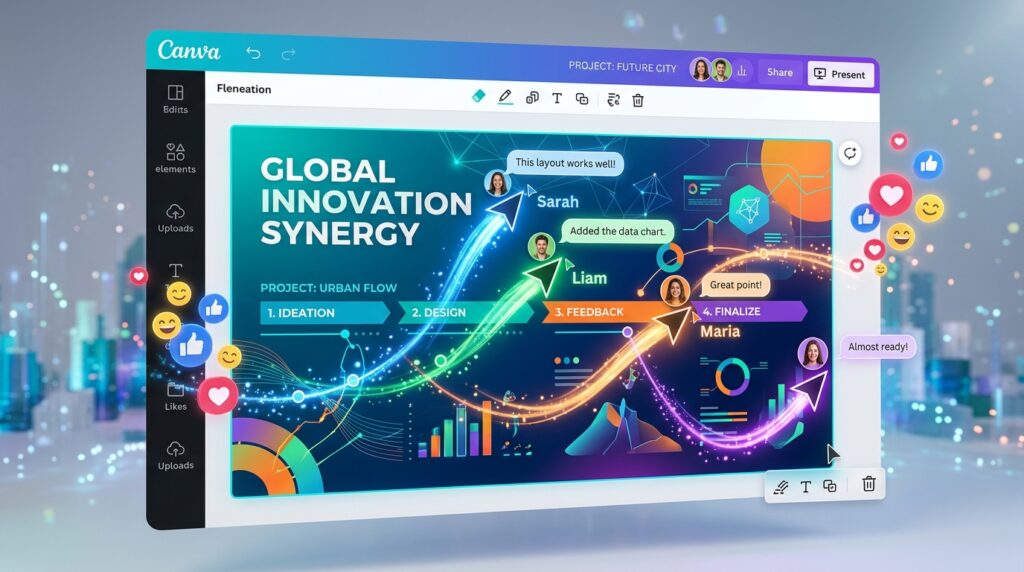
Canva has evolved in 2026 from a simple design tool into a full-scale presentation ecosystem. It is the best choice for teams who need to work together in real-time.
- Magic Design for Presentations: You can now upload a 20-page Word document or PDF, and Canva’s AI will summarize it into a 10-slide presentation with brand-matching visuals instantly.
- Cinematic Transitions: Canva’s “Match & Move” feature has been upgraded in 2026 to allow for seamless 3D-like transitions between slides, making your deck feel more like a movie and less like a slideshow.
- Live Presenter Features: You can generate a unique QR code for your audience to scan, allowing them to participate in live polls, Q&As, and quizzes that update directly on your slides as you speak.
- The “Brand Hub”: Even on the free tier, you can save a basic brand kit (3 colors, 2 fonts) to ensure every template you pick instantly aligns with your personal or company identity.
3. SlidesMania: The Educator’s Secret Weapon
If you are a teacher, student, or creative storyteller, SlidesMania is your 2026 playground. Created by Paula Macaggi, this site is legendary for its “Skeuomorphic” designs—templates that look like physical objects.
- Interactive Notebooks: Their most popular 2026 templates are “Digital Binders” with clickable tabs. Students can click a tab to jump to a specific section of the “notebook,” making it perfect for remote learning.
- Gamified Templates: SlidesMania offers “Jeopardy,” “Escape Room,” and “Board Game” templates for Google Slides. These include built-in logic and triggers that turn a lesson into a game.
- 100% Free / No Account: Unlike Slidesgo or Canva, SlidesMania is a passion project. There are no monthly limits and no sign-ups required. You just click “Open in Google Slides” and you’re ready.
- Planner Integration: In 2026, they’ve introduced “Digital Planners” that sync with your Google Calendar, allowing teachers to manage their entire year inside a presentation deck.
4. Pitch: The Startup & Sales Engine
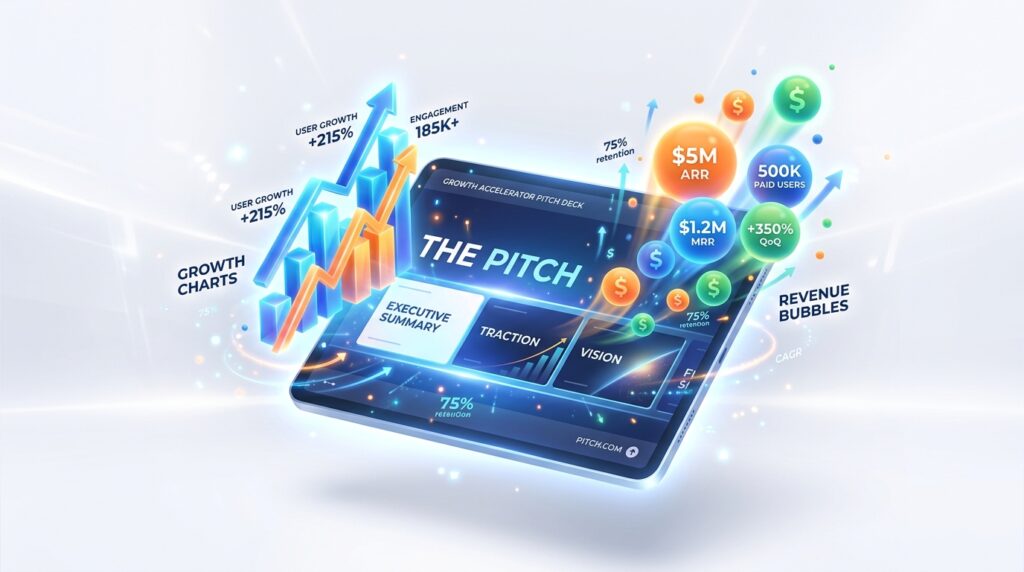
Pitch is the 2026 “Canva-Killer” for the business world. It focuses on high-conversion pitch decks, sales proposals, and investor updates.
- Data-First Design: Pitch allows you to link your slides directly to Google Sheets, Excel, or ChartMogul. When your data updates in the spreadsheet, the charts on your slides update automatically in real-time.
- Expert-Made Layouts: The templates on Pitch aren’t just “pretty”; they are structured by professional founders. They include the exact slide order needed for a “Series A Pitch” or a “Product Launch.”
- Smart Formatting: In 2026, Pitch’s “Tidy” feature ensures your elements are always perfectly aligned. If you add a fourth bullet point, the other three automatically shrink and reposition to maintain the design integrity.
- Video Integration: You can record “Loom-style” video snippets directly onto your slides, allowing you to send an “Asynchronous Presentation” that talks for itself.
5. SlidesCarnival: The Reliability Standard
For those who need a professional, reliable, and straightforward template without the “AI fluff,” SlidesCarnival remains a pillar of the community in 2026.
- Professional Minimalism: While other sites go for “Flashy,” SlidesCarnival focuses on Visual Hierarchy and Readability. Their templates are designed to look good on even the most basic office projectors.
- Search by “Vibe”: You can filter templates by “Playful,” “Formal,” “Elegant,” or “Inspirational,” making it easy to find a match for your specific audience’s psychology.
- Unrestricted Commercial Use: Every template is licensed for commercial use without complicated fine print. This makes it the safest choice for freelancers working with corporate clients.
- 2026 Accessibility Update: All new templates now come with “High Contrast” versions and screen-reader-optimized layouts to ensure your presentation is inclusive.
Comparison: Which Site Fits Your Presentation Style?
| Platform | Best For | Standout Feature | Export Formats |
| Slidesgo | High-End Design | AI Topic-to-Slide | PPT, Google Slides, PDF |
| Canva | Team Collaboration | Live Audience Q&A | Web Link, MP4, PPT |
| SlidesMania | Education & Games | Interactive Notebooks | Google Slides, PPT |
| Pitch | Startups & Data | Live Spreadsheet Sync | Web Link, PDF, PPT |
| SlidesCarnival | Professionalism | Accessibility-First | Google Slides, PPT, Canva |
The 2026 “Modern Presenter” Checklist
Based on industry research, the “Death by PowerPoint” era is over. To keep your audience awake in 2026:
- The “10-20-30” Rule (Updated): 10 slides, 20 minutes, and 30% of the slide should be “White Space.” Do not crowd your template; let the visuals breathe.
- Use “Micro-Animations”: Use the “Entrance” animations found in your templates (like “Fade” or “Pop”) to reveal information one point at a time. This prevents the audience from reading ahead of your speech.
- Check the “Mobile View”: In 2026, 40% of viewers will watch your shared presentation on a smartphone. Use high-contrast fonts and large icons to ensure clarity on small screens.
Final Thoughts
Your ideas deserve a stage that matches their quality. In 2026, the “Free” market for presentation design has become so competitive that you never have to settle for a boring layout again. Whether you choose the artistic flair of Slidesgo, the interactive genius of SlidesMania, or the data-heavy power of Pitch, you are now equipped to captivate any room—all for $0.






