In 2026, the social media landscape is utterly unforgiving to the disorganized. The algorithms across TikTok, LinkedIn, Instagram, and Threads demand one thing above all else: Relentless Consistency. If you are still waking up every morning, downloading an image, writing a caption on your phone, and manually hitting “Publish,” you are losing the game. You are spending your most valuable cognitive energy on digital chores rather than creative strategy.
The “Golden Rule” of 2026 social media marketing is Asynchronous Output. You must decouple the act of creating content from the act of publishing it.
However, a massive shift occurred over the last two years. Legacy giants like Hootsuite and Later completely axed their free tiers or severely crippled them, abandoning the solo creators and small businesses that built them. This created a vacuum—and a new breed of scheduling tools stepped up.
The platforms that dominate 2026 are those that offer generous free limits, deep analytics, and native integrations with AI and design tools. This step-by-step guide to the top 5 free social media schedulers of 2026 will show you exactly how to build a 24/7 content machine for exactly $0.
1. Metricool: The Data-Driven Powerhouse
If you can only choose one tool on this list in 2026, make it Metricool. It has rapidly become the darling of the marketing world because it doesn’t just schedule your posts; it acts as a full-scale command center for your digital presence. Metricool’s philosophy is that scheduling without data is just shouting into the void.
- The Best Free Analytics in the Industry: Most free schedulers hide your performance data behind a paywall. Metricool provides up to three months of historical data on its free tier. You can see your engagement rates, follower demographics, and even track up to 5 of your competitors to see what is working for them.
- 50 Posts Per Month Limit: The free plan allows you to manage one brand profile across major networks (including Instagram, Facebook, TikTok, X, Pinterest, and YouTube) and schedule up to 50 posts per month. For a small business posting 1-2 times a day, this is more than enough.
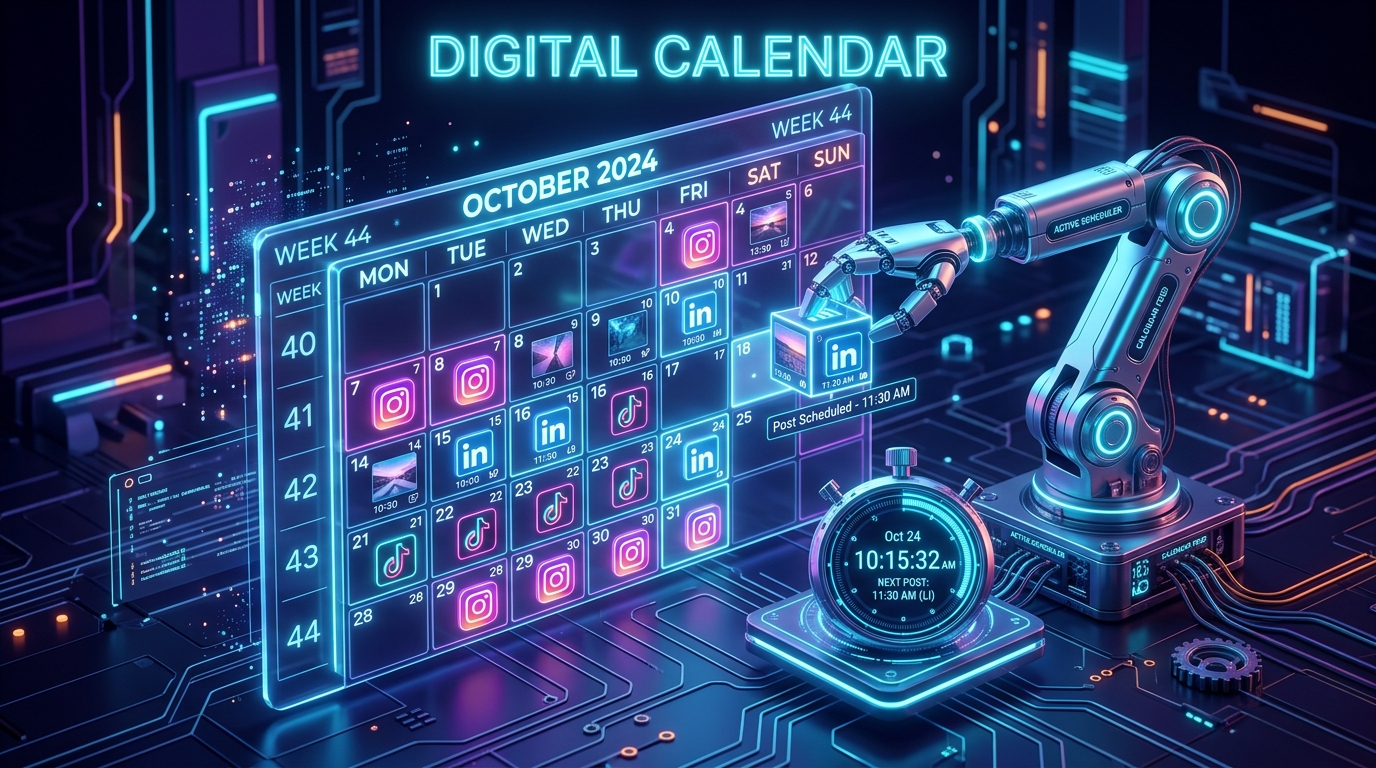
- The “Best Time to Post” Heatmap: Metricool features a visual calendar that is overlaid with a color-coded heatmap. It analyzes your specific audience and highlights the exact hours of the day when your followers are most active. You simply drag and drop your post onto the darkest color block to maximize your initial reach.
- AI Caption Assistant: Integrated directly into the composer, Metricool’s AI can help you rewrite captions, adjust the tone (e.g., from “Professional” to “Witty”), and generate trending hashtags, saving you a trip to ChatGPT.
A common mistake to avoid is ignoring the cross-platform analytics. In 2026, a video that fails on TikTok might go viral as a YouTube Short. Use Metricool’s data to identify which formats resonate on which platforms, and double down on the winners.
2. Buffer: The Minimalist Workflow Champion
Buffer is the “OG” of social media scheduling, and unlike its legacy competitors, it has fiercely protected its free users. In 2026, Buffer is the absolute best choice for the creator or founder who hates cluttered software and just wants a clean, frictionless “set-it-and-forget-it” workflow.
- The “Queue” System: Buffer pioneered the queue. Instead of picking a specific date and time for every single post, you set up a weekly schedule (e.g., Weekdays at 9 AM and 4 PM). Then, you just click “Add to Queue,” and Buffer automatically slots your post into the next available time. It removes the decision fatigue of scheduling.
- 3 Channels / 10 Posts at a Time: Buffer’s free plan allows you to connect up to 3 social channels (e.g., LinkedIn, X, and Instagram). The limit is 10 scheduled posts per channel.
- The “Limit” Loophole: A major misconception is that Buffer limits you to 10 posts a month. This is false. It is a queue limit. You can have 10 posts waiting to go out. Once one publishes, a slot opens up, and you can add another. If you log in twice a week, you can essentially schedule unlimited posts for free.
- Start Page (Link in Bio): Buffer includes a completely free “Start Page” builder. You can create a beautiful, mobile-optimized landing page for your Instagram or TikTok bio that updates dynamically with your scheduled content, allowing you to cancel your paid Linktree subscription.
A common mistake to avoid is publishing the exact same caption to all three channels. Buffer’s composer allows you to write a base post, and then click “Customize for each network.” In 2026, using LinkedIn formatting on X (Twitter) looks unprofessional. Always tweak the tags and spacing for the specific platform before hitting schedule.
3. Publer: The “Superhero” of Features
Branding itself as the “Social Media Superhero,” Publer is the rising star of 2026. It is designed for the modern creator who relies heavily on visual content and needs advanced features that other platforms charge a premium for.
- Native Canva Integration: This is a massive time-saver. You don’t need to download designs from Canva and upload them to your scheduler. Publer has Canva built directly into its interface. You click a button, your Canva workspace opens, you finish the design, and it drops seamlessly into your scheduling queue.
- Automatic Watermarking: Content theft is rampant in 2026. On the free plan, Publer allows you to upload your logo and will automatically watermark every image and video you schedule, ensuring your brand gets credit even if a meme account steals your post.
- 3 Accounts / 10 Posts: Similar to Buffer, Publer allows you to connect 3 social accounts and keep 10 posts in the queue. However, Publer supports a massive range of networks, including Telegram and WordPress, making it incredibly versatile for community managers.
- The “First Comment” Feature: Algorithm experts in 2026 know that putting outbound links in the main caption hurts your reach on platforms like LinkedIn and Facebook. Publer allows you to auto-schedule the “First Comment” along with your post, so you can drop your links safely without angering the algorithm.
A common mistake to avoid is neglecting the “Drafts” feature. Publer allows you to save an unlimited number of drafts. Use this as your “Idea Dump.” When a random thought strikes you, put it in Publer as a draft. When it’s time to batch your content, you will have a library of ideas ready to be refined and scheduled.
4. Zoho Social: The Solo-Brand “Unlimited” Champion
Part of the massive Zoho business suite, Zoho Social is the hidden gem of the scheduling world. It is the perfect tool for a solopreneur, local business, or startup that only needs to manage one core brand but posts at a hyper-active volume.
- Zero Posting Limits: In a landscape where every free tool caps your monthly volume, Zoho Social is a breath of fresh air. Their free-forever tier allows you to publish an unlimited number of posts. If your strategy requires posting 5 times a day on X (Twitter), Zoho is the only free tool that will let you do it.
- 1 Brand (Up to 7 Channels): You can connect one brand across Facebook, X, LinkedIn, Instagram, Pinterest, TikTok, and your Google Business Profile. For a single company, this covers the entire digital footprint.
- zShare Browser Extension: Zoho provides a powerful browser extension. If you are reading an industry article that you want to share with your LinkedIn network, you click the zShare button, and you can schedule it directly from the article page without ever opening the Zoho dashboard.
- Real-Time Monitoring: Even on the free plan, Zoho offers a “Live Stream” dashboard that tracks mentions of your brand in real-time, allowing you to engage with customers and handle support issues swiftly.
A common mistake to avoid is over-saturating your feed just because it’s free. Just because Zoho allows unlimited posting doesn’t mean your audience wants to hear from you 12 times a day. Use the unlimited freedom to run short-term “Sprint Campaigns” (like a product launch) rather than spamming your followers year-round.
5. Meta Business Suite: The First-Party Monolith
If your business operates exclusively on Facebook, Instagram, and Threads, you do not need a third-party tool. Meta Business Suite has evolved into an incredibly powerful, 100% free powerhouse for managing the Zuckerberg ecosystem.
- The “Native Algorithm” Advantage: There is a persistent myth in the marketing world that using third-party schedulers (like Buffer or Metricool) reduces your organic reach. While platforms deny this, using Meta’s own Business Suite guarantees you are 100% compliant with their API, ensuring zero algorithmic friction.
- Deep Ad Integration: If you plan on boosting posts or running retargeting ads in 2026, Meta Business Suite is mandatory. You can schedule an organic post and seamlessly attach a $5/day ad budget to it from the exact same dashboard.
- A/B Testing for Reels and Posts: Meta allows you to upload up to 4 different thumbnails or captions for a single Reel. It will show the variations to a small segment of your audience, see which one gets the highest Click-Through Rate (CTR), and automatically push the “Winner” to the rest of your followers. No other free tool can do this natively.
- Unified Inbox: Customer service is marketing in 2026. Meta Business Suite funnels every Facebook message, Instagram DM, and post comment into one single, manageable inbox, allowing you to assign tags like “Needs Follow-up” to specific customers.
A common mistake to avoid is trying to force Meta Business Suite to be your only tool if you use LinkedIn or TikTok. It is a walled garden. If your strategy requires B2B networking or short-form video outside of Reels, you must pair Meta with a tool like Buffer or Metricool.
Comparison: Which Free Scheduler Matches Your Flow?
| Platform | Best For | 2026 “Pro” Feature | Free Plan Limits |
| Metricool | Data-Driven Marketers | Premium Analytics & Heatmaps | 1 Brand / 50 Posts per Month |
| Buffer | Minimalists / Beginners | The “Set & Forget” Queue | 3 Channels / 10 Posts at a Time |
| Publer | Creators / Designers | Native Canva Integration | 3 Accounts / 10 Posts at a Time |
| Zoho Social | High-Volume Solo Brands | Unlimited Posting | 1 Brand / Unlimited Posts |
| Meta Suite | FB/IG Exclusives | Native A/B Testing | Unlimited (Meta Platforms Only) |
The 2026 “Omnipresence” Strategy: 3 Steps to Scale
Having a free tool is useless if you don’t have a system. To manage a multi-platform presence without burning out in 2026, you must adopt the “Batch and Waterfall” protocol:
- Phase 1: The “Batch” (Sunday Afternoon): Do not log into your scheduler every day. Pick one day a week. Spend 2 hours writing 5 core pieces of content. This is your “Macro Content” (e.g., a long LinkedIn post or a YouTube video).
- Phase 2: The “Waterfall” (The Scheduler): Use Buffer or Metricool to break that macro content down. Turn the 1 long LinkedIn post into a 5-part X (Twitter) thread. Turn the main point of the post into a graphic using Publer’s Canva integration for Instagram. You have now turned 5 pieces of content into 15 scheduled posts for the week.
- Phase 3: The “Engage” (Daily): Your posts are now running on autopilot. You only log into social media for 15 minutes a day, and your only job is to reply to comments and leave meaningful comments on other people’s posts.
By separating the “Creation” from the “Distribution,” you ensure that your brand stays active and authoritative even on the days you are too busy running your actual business to think about social media.
Final Thoughts
In 2026, building an audience is the ultimate business moat. It protects you from rising ad costs and provides a direct line to your most loyal customers.
By leveraging the data of Metricool, the workflow of Buffer, or the unlimited power of Zoho Social, you are effectively hiring a digital assistant that works 24/7 for zero pay. The software is free. The audiences are waiting. Your only job now is to stop scrolling and start scheduling.






Leave feedback about this