


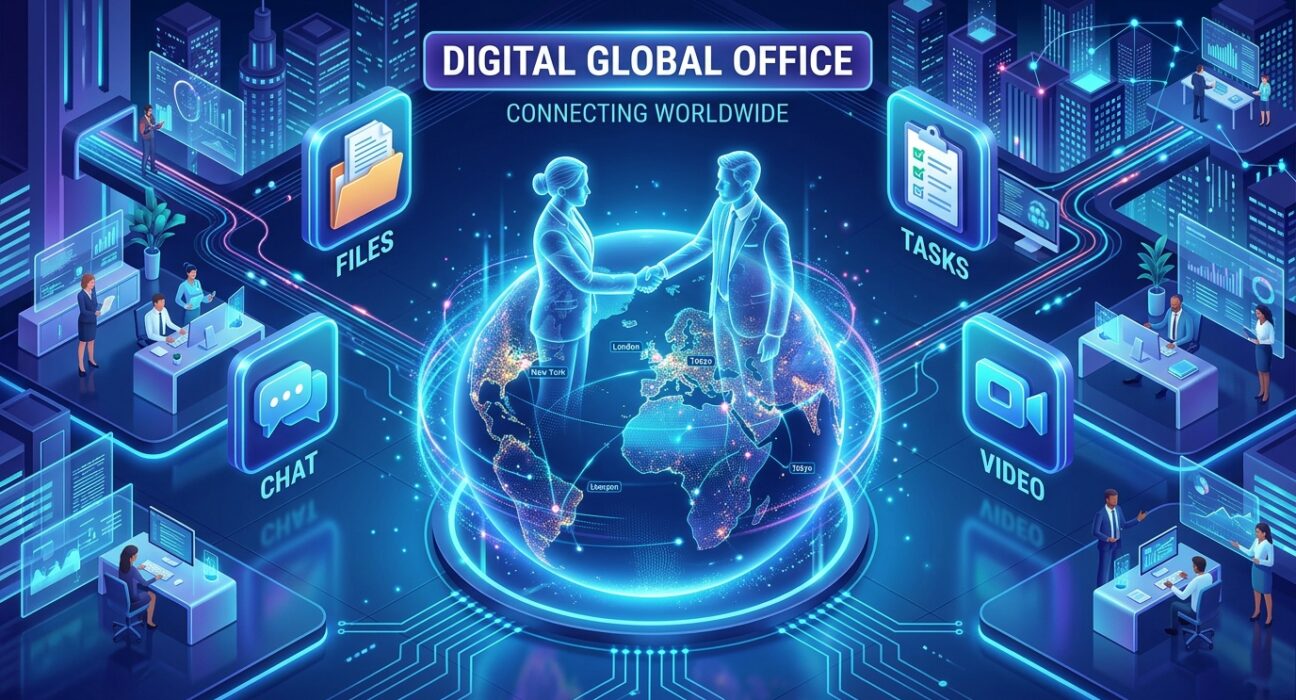
In 2026, “Collaboration” is no longer just about chatting; it is about Synchronized Execution. We have entered the era of the “Asynchronous Workspace,” where teams spread across 12 time zones must be able to contribute to a project without waiting for a Zoom meeting. If your team is still relying on fragmented communication—one person on WhatsApp, another on Email, and a third in a Google Doc—you are suffering from Collaborative Debt.
The “Golden Rule” of 2026 team collaboration is Contextual Continuity. Every message must be linked to a task, every task must be linked to a document, and every document must be searchable in seconds. The platforms that have dominated 2026 are those that offer Native Video, Integrated File Sharing, and AI-Driven Search on their free tiers.
The most effective way to scale your brand today is to build a “Digital Culture” that prioritizes transparency and speed. This step-by-step guide to the top 5 free collaboration tools of 2026 will show you how to build an elite-level team hub for $0.
1. Slack: The “Pulse” of the Modern Team
In 2026, Slack remains the undisputed king of “Team Alignment.” Owned by Salesforce, it has transitioned from a simple chat app into a Command Center that integrates every other tool in your stack.
- 90 Days of Searchable History: In a major 2026 update to the free tier, Slack now allows for 90 days of full message and file history. For an agile team, this is the perfect window for active projects, ensuring you can always find that “one link” or “one snippet” shared last month.
- Unlimited App Integrations: The free version now supports Unlimited Integrations. You can connect your GitHub, Google Drive, Trello, and Waply notifications directly into specialized channels. In 2026, “Channel-Based Communication” is the only way to prevent information overload.
- Slack Huddles (Video & Audio): The free tier includes 1-on-1 Huddles with screen sharing. In 2026, “The Quick Sync” has replaced the “Formal Meeting.” If you have a bug in your Ionic code, you jump into a Huddle, share your screen, and fix it in 3 minutes.
- Canvas for Documentation: Every channel now has a built-in “Canvas.” It’s a collaborative document where you can store “Pinned Info,” “Onboarding Links,” and “Project Goals,” ensuring new team members don’t have to scroll through 1,000 messages to get up to speed.
A common mistake to avoid is “Notification Fatigue.” In 2026, if you don’t configure your “Channel Notifications,” Slack will become a distraction. Teach your team to use @mentions only for urgent items and to use Threads to keep conversations organized and out of the main feed.
2. Microsoft Teams (Free): The “Office” Powerhouse
If your team lives in Excel, Word, and PowerPoint, the free version of Microsoft Teams is your 2026 MVP. It provides the most professional “Meeting Experience” on the market for zero cost.
- 60-Minute Group Meetings: The free tier allows for group meetings up to 60 minutes long with up to 100 participants. In 2026, this is the “Gold Standard” for free webinars, team town halls, and “Deep Dive” training sessions.
- 5GB of Cloud Storage: Each user gets 5GB of dedicated storage, plus 10GB of shared team storage. In 2026, this is where you host your “Brand Assets,” “Client PDF Guides,” and “Project Templates.”
- Real-Time Co-Authoring: You can open a Word or Excel file directly inside the Teams chat and edit it with your colleagues simultaneously. There is no “Downloading” and “Re-uploading.” In 2026, “Single-File Integrity” is how you avoid version-control nightmares.
- Community Features: New for 2026, the free version includes “Communities,” allowing you to create sub-groups for “Social Interests” or “Learning Guilds” within your company, fostering a human connection in a remote world.
3. Discord: The “Low-Latency” Creative Hub
Originally for gamers, Discord has been “colonized” by developers and designers in 2026. It is the best tool for teams that need “Always-On” Audio and a more relaxed, creative atmosphere.
- Voice Channels (The Virtual Room): Unlike Slack, where you have to “Start a Call,” Discord has “Voice Channels.” You just click the channel name and you are “In the Room.” It mimics the feeling of sitting next to someone in a real office. For a UI/UX designer and a developer, this “Passive Collaboration” is magic.
- High-Quality Screen Sharing (Go Live): Discord’s “Go Live” feature is the lowest-latency screen sharing in the industry. In 2026, it is the #1 tool for “Pair Programming” and “Design Reviews” where every pixel and every frame of lag matters.
- Role-Based Permissions: You can create complex roles (e.g., “Lead Dev,” “Guest Designer,” “Beta Tester”) with specific permissions for each channel. This allows you to bring “Clients” or “Freelancers” into your workspace without giving them access to your internal “Secret Sauce.”
- Custom Bot Automation: In 2026, the Discord bot community is massive. You can add free bots that track “Team Mood,” manage “Agile Standups,” or even play “Focus Music” for the whole team during a sprint.
4. ClickUp: The “Task-Centric” Collaborator
In 2026, ClickUp has transcended “Project Management” and become a full-scale “Collaboration Suite.” It is for the team that believes Chat should live next to the Task.
- Chat View (Contextual Messaging): Instead of a separate app, ClickUp allows you to add a “Chat View” to any project folder. If you are discussing the “Emoji Keyboard Extension,” the conversation happens inside the project. This prevents the “Where did we talk about this?” problem.
- Collaborative Whiteboards: ClickUp includes a digital whiteboard where your team can map out “User Flows” or “Marketing Funnels” in real-time. In 2026, “Visual Brainstorming” is the fastest way to get a remote team on the same page.
- Clip (Video Messaging): The free tier includes “Clip,” which allows you to record your screen and voice and send it as a task comment. In 2026, a “2-Minute Video” is worth 1,000 Slack messages. It’s the ultimate tool for “Async Feedback.”
- Unlimited Members: ClickUp’s free tier allows you to add as many people as you want. This makes it the #1 choice for “Open Source” projects or “Community-Led” brands where the team size fluctuates.
5. Notion: The “Knowledge” Workspace
Notion is the 2026 favorite for Documentation-Heavy Teams. It is a “Wiki” that can also chat. If your team builds complex software (like WordPress plugins) or publishes digital books, Notion is your “Library of Truth.”
- Collaborative Editing & Comments: Multiple people can edit a page at once, and you can leave “Inline Comments” on specific sentences. In 2026, this is how you “Peer Review” code documentation or edit a children’s book manuscript together.
- Team Wiki Architecture: You can build a “Company Home” page that links to “Brand Guidelines,” “Employee Handbooks,” and “Tech Stacks.” In 2026, a “High-IQ Team” is one that documents everything.
- Guest Access: Notion allows you to share specific pages with “Guests” for free. You can show a client their “Project Roadmap” without letting them see your internal “Idea Brainstorming” pages.
- Synched Blocks for Consistency: If you change the “Product Pricing” on the marketing page, it automatically updates on the “Sales Team” page. In 2026, “Data Desync” is a business killer; Notion solves it with a single click.
Comparison: Which 2026 Collaboration Tool Matches Your Team?
| Platform | Best For | Focus | 2026 “Pro” Feature |
| Slack | Communication | Fast Chat / Search | 90-Day Searchable History |
| Microsoft Teams | Corporate / Office | Video Meetings / Docs | Office Co-Authoring |
| Discord | Creative / Devs | Voice / Low-Latency | Always-On Voice Rooms |
| ClickUp | Task-Heavy Teams | Workflows / Video MSGs | Chat-Next-To-Task View |
| Notion | Knowledge Teams | Wikis / Documentation | Global Synched Blocks |
The 2026 “Asynchronous” Routine: 3 Steps to Team Flow
A tool is only as good as the Team Habit. To ensure your remote collaboration actually works in 2026, follow the “Sync-Async” protocol:
- The “Async Update” (Morning): Do not start the day with a meeting. Have every team member post a “3-Bullet Update” in Slack or ClickUp: What I did yesterday, What I’m doing today, and Where I’m blocked.
- The “Deep Work” Block (Mid-Day): Encourage “Radio Silence.” From 10 AM to 2 PM, the team stays out of chat to focus on Execution. If something is urgent, they use a “Huddle” or a “Voice Room” in Discord.
- The “Documented Close” (Evening): Before signing off, every team member must update the Notion Wiki or the ClickUp Task. If the work isn’t documented, it didn’t happen. This ensures the next person in a different time zone can pick up the baton immediately.
Final Thoughts
In 2026, Team Collaboration is the “Operating System” of your business. It is the difference between a group of people “working near each other” and a unified force “building together.”
By leveraging the “Communication Speed” of Slack, the “Meeting Power” of Teams, or the “Knowledge Depth” of Notion, you are building a “Digital Nervous System” for your brand—completely for free. The tools are ready. The office is virtual. Your only job now is to Start Building.






