

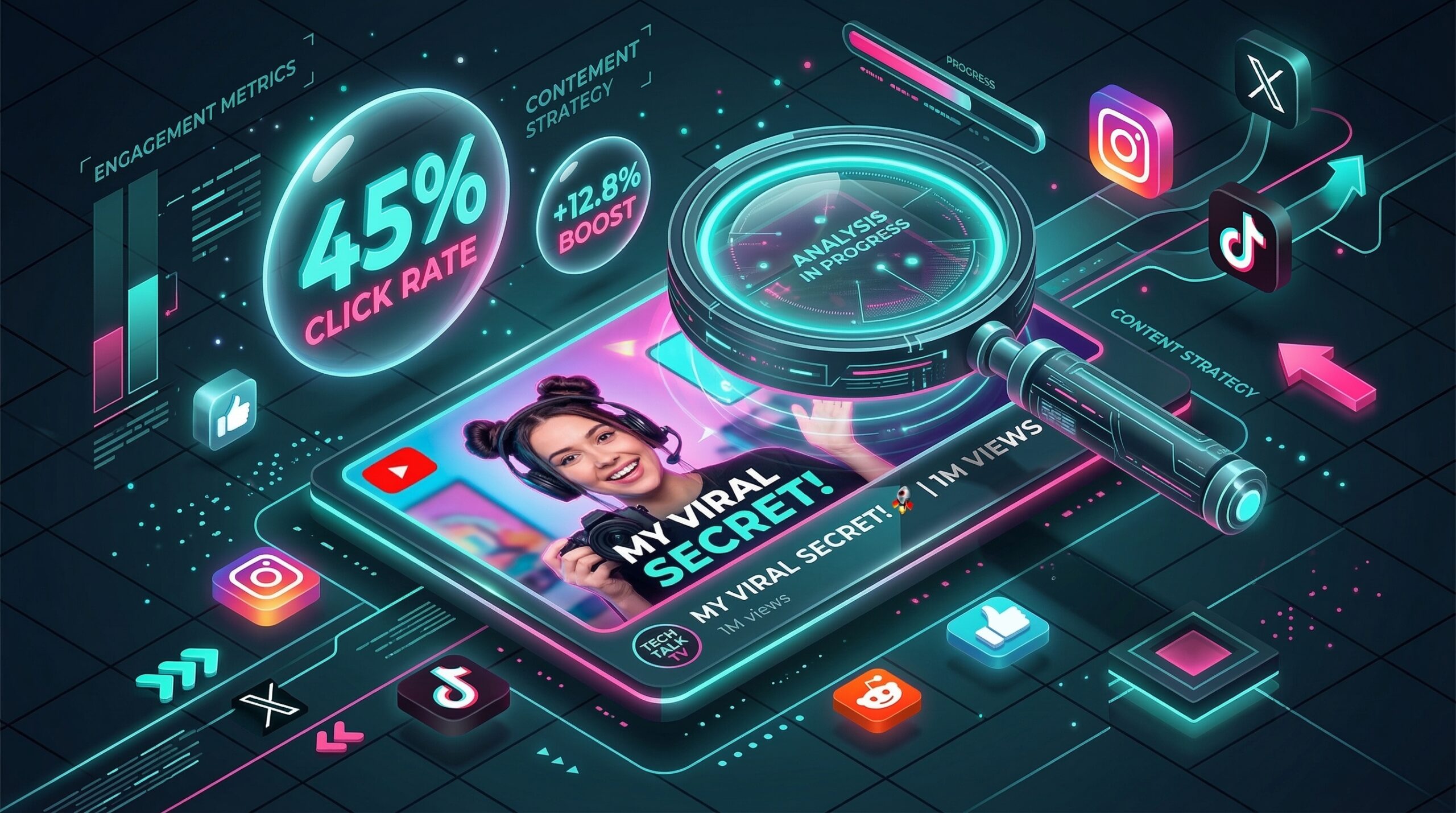
In the hyper-competitive landscape of 2026, the YouTube thumbnail has evolved beyond a simple “preview.” It is now a data-driven marketing asset. With users scrolling faster than ever, your thumbnail has less than 0.5 seconds to trigger a psychological “must-click” response. The rise of AI-assisted design has leveled the playing field, allowing solo creators to produce the same “high-energy” visuals as massive production houses.
The most effective way to double your views this year is to move away from generic templates and embrace AI Personalization. This step-by-step guide to the top free thumbnail makers of 2026 will show you how to use everything from “One-Selfie AI” to “Style Cloning” to dominate the algorithm—for exactly $0.

1. Canva: The AI-Powered Industry Standard
In 2026, Canva remains the undisputed king, but not just because of its templates. Its new Magic Studio has integrated generative AI directly into the “Free” tier, making it the most versatile tool for the average creator.
- Dream Lab & Magic Media: Even on the free plan, you can use “Dream Lab” to generate production-quality 3D graphics or backgrounds from a text prompt. If you need a “Futuristic Lab” background for your tech review, you no longer need to buy stock photos—you just describe it.
- YouTube Safe Zones: Canva’s 2026 editor now includes a “Platform Overlay” toggle. It shows you exactly where the “Time Stamp” and “Watch Later” icons will appear on YouTube, ensuring your key text or faces are never covered.
- Superior Text Effects: While earlier versions were basic, the 2026 version offers “3D Warp” and “Glow Outlines” on the free tier, allowing you to create that classic “MrBeast-style” bold typography.
- The “No Watermark” Guarantee: Unlike many “AI” startups, Canva allows you to export high-resolution (1280×720) thumbnails for free without any intrusive branding.
A common mistake to avoid is using the first template you see. Because Canva is so popular, thousands of creators use the same “Top 10” templates. Always change the background and font to ensure your channel maintains a unique “Visual Identity.”
2. Adobe Express: The King of “One-Click” Polish
Adobe Express has become the 2026 favorite for creators who want “Cinematic” thumbnails. If Canva is about “Quantity,” Adobe Express is about “Quality” and professional-grade color science.
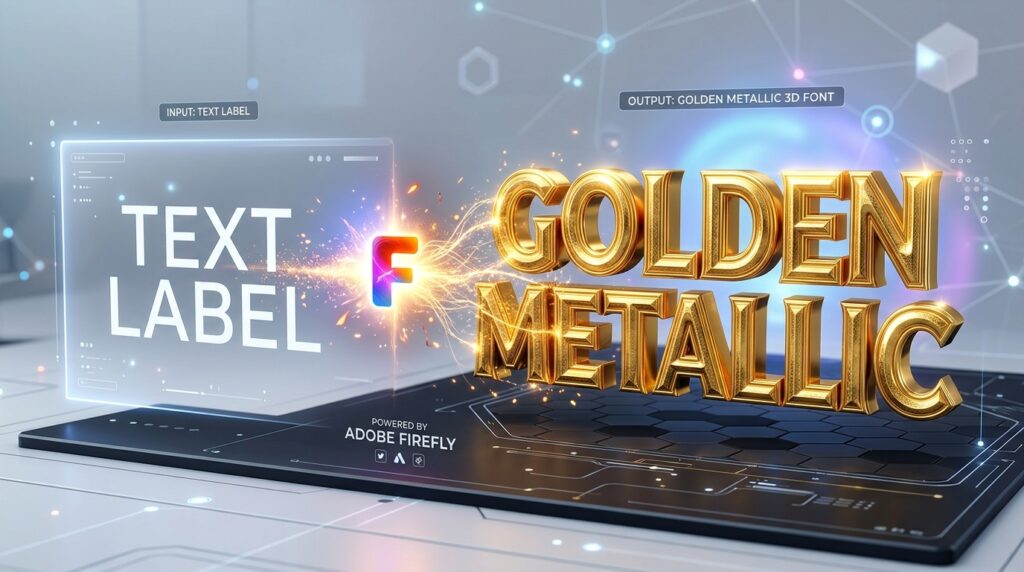
- Adobe Firefly Text Effects: This is the killer feature. You can turn your thumbnail text into “Glowing Neon,” “Rough Stone,” or “Liquid Chrome” using AI. It provides a level of texture that other free tools simply cannot match.
- Generative AI Background Expansion: If you have a great selfie but it’s cropped too tightly, Adobe’s “Magic Expand” can use AI to fill in the rest of the scenery, creating a wide-angle thumbnail from a vertical phone photo.
- Social Safe Zones: Similar to Canva, Adobe Express features a “Safe Zone” tool that ensures your most important elements are visible on all devices, from mobile phones to 4K TVs.
- Access to Adobe Stock: The free tier includes a surprisingly large collection of high-end Adobe Stock photos that feel more professional and less “generic” than other free libraries.
3. WayinVideo: The “Video-to-Thumbnail” Specialist
New for 2026, WayinVideo has disrupted the market by eliminating the need to “design” altogether. It is an AI tool that builds thumbnails directly from your video file.
- AI Scene Detection: You paste your YouTube link or upload your video, and the AI analyzes the footage for “High-Emotion” frames—surprised faces, action shots, or key product reveals—that are statistically proven to get more clicks.
- Style Cloning: See a thumbnail you love from a big creator? You can upload it as a “Reference,” and WayinVideo’s AI will recreate that layout, color grade, and font style using your video footage.
- Portrait Integration: If you upload a simple selfie, the tool automatically removes the background, enhances your facial features (sharpening eyes/teeth), and places you in a “High-Contrast” layout designed for mobile screens.
- A/B Variation Engine: In 2026, YouTube allows native A/B testing. WayinVideo generates 3-5 distinct variations (different text, different backgrounds) so you can test which one performs best.
4. Photo AI Studio: The “Personal Brand” Powerhouse
For vloggers and personalities who need their face on every thumbnail, Photo AI Studio solved the “Content Burnout” problem in 2026.
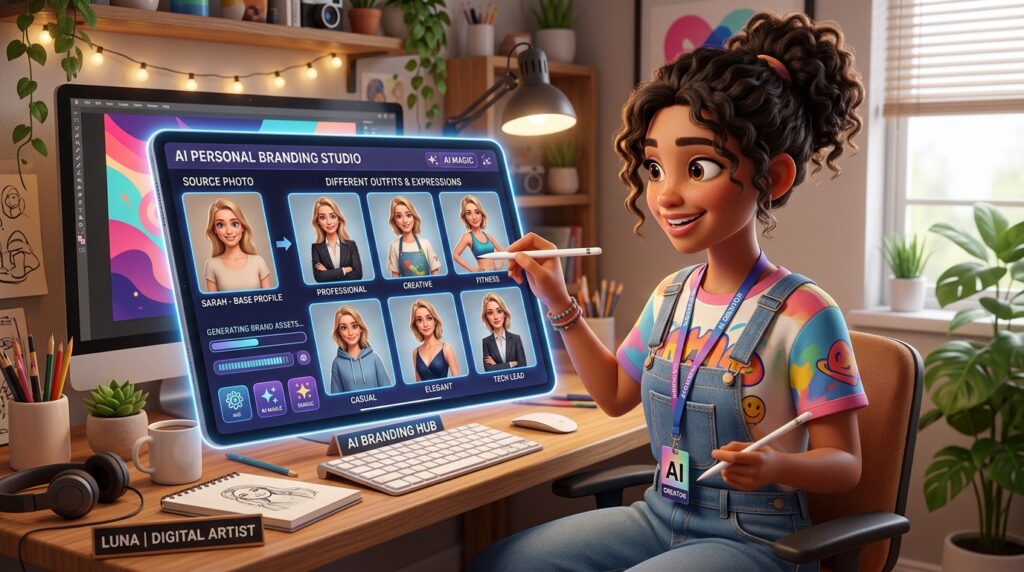
- One-Selfie Model: You upload just ONE high-quality photo of yourself. The AI then creates a “Digital Twin” that you can place in any pose, wearing any outfit, in any location.
- Emotion Generator: Need a “Shocked Face” for a reaction video but didn’t take the photo? You can tell the AI to “Make my avatar look surprised,” and it will generate a realistic, high-resolution image of you with that expression.
- Consistency is Key: By using the same AI-generated “Persona,” your channel develops a recognizable brand. Viewers will know a video is yours just by the facial consistency, even if the background changes.
- Credit System: While they have a premium tier, their 2026 “Free Starter” provides enough credits for a consistent uploader to generate 2-4 professional thumbnails per month.
5. vidIQ Thumbnail Maker: The Data-Driven Designer
vidIQ has integrated its famous YouTube analytics directly into a design tool. In 2026, this is the only tool that tells you why a design will work before you publish it.
- CTR Prediction: As you design, the vidIQ AI gives you a “Likely CTR Score” based on current trends in your specific niche (e.g., “Gaming” vs. “Finance”).
- Competitor Overlay: You can “overlay” your thumbnail design onto a live search result page to see if your colors pop against your competitors’ videos.
- Trending Color Palettes: The tool suggests “Anti-Pattern” colors. If every other video in your niche is using red, vidIQ will suggest a high-contrast yellow or teal to break the visual pattern.
- Readable Text Checker: It includes a “Mobile Preview” that blurs the image slightly to simulate how it looks to a distracted user on a small phone screen, ensuring your 3-word hook is still readable.
Comparison: The 2026 Thumbnail Tool Selection
| Platform | Best For | Standout Feature | AI Power |
| Canva | All-Rounder | Huge Template Library | High (Magic Studio) |
| Adobe Express | Cinematic Finish | Firefly Text Effects | High (Firefly) |
| WayinVideo | Speed & Automation | Video-to-Thumbnail | Very High |
| Photo AI Studio | Personal Branding | One-Selfie Personas | Elite (Facial AI) |
| vidIQ | Data & Growth | CTR Prediction Score | Analytical AI |
The 3 Golden Rules of 2026 Thumbnails
Based on 2026 algorithm research, the most successful thumbnails follow a “Minimalist-Loud” philosophy:
- The “3-Word Hook”: Never put more than 3-4 words on a thumbnail. If it’s more than that, it belongs in the title. The text should complement the title, not repeat it.
- Face Over Everything: Even in 2026, humans are biologically wired to look at faces. Ensure your face (or your AI Persona’s face) takes up at least 30% of the frame and shows clear, exaggerated emotion.
- Contrast & Saturation: YouTube’s interface is white or dark grey. Use “vibrant” colors that don’t exist in the UI—neon greens, bright oranges, and deep purples—to create a “Visual Break” in the feed.
Final Thoughts
A thumbnail is a 1280×720-pixel advertisement for your hard work. In 2026, you don’t need to be a graphic designer to win the click. By leveraging the AI speed of WayinVideo, the branding power of Photo AI Studio, or the data-backed insights of vidIQ, you can turn your channel into a high-performance views machine—all for $0.






Leave feedback about this