

There is nothing more frustrating than a WordPress site that starts fast but gradually crawls to a halt. You notice the admin dashboard lagging, the “spinning wheel” appearing on every page load, and your Google PageSpeed scores dipping into the red. In 2026, where user patience is measured in milliseconds, a slow site is more than an inconvenience—it’s a direct hit to your bottom line and your SEO authority.
The most effective way to reclaim your site’s speed is to move beyond surface-level fixes. We need to diagnose the underlying bottlenecks that accumulate over time. This step-by-step guide to performance recovery will analyze the five primary reasons for WordPress slowdowns and provide the technical solutions to fix them immediately.
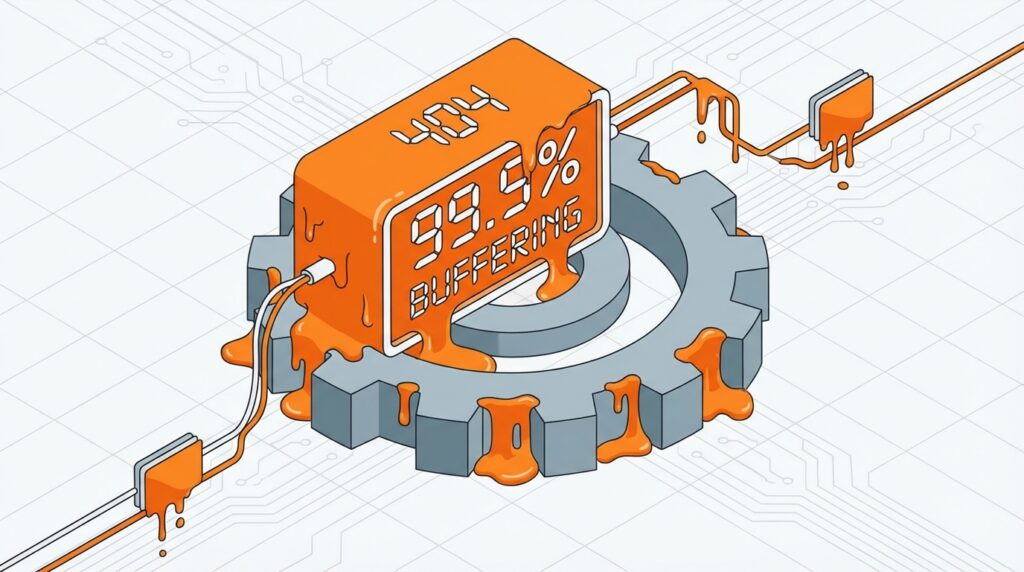
The Hidden Anatomy of a Slowdown
Before we jump into the fixes, we must understand the “Why.” WordPress is a dynamic system; every time a user visits a page, your server executes PHP, queries a MySQL database, and loads various assets. As your site grows—adding more posts, more images, and more scripts—this process becomes exponentially heavier.
1. The “Silent Killer”: Database Bloat
Every time you save a draft, WordPress creates a “Post Revision.” Over a year, a single article might have 50 hidden copies stored in your database. A common mistake to avoid is neglecting your database health. When your wp_options table grows to hundreds of megabytes, every single page load takes longer because the server has to “search” through thousands of unnecessary rows to find the settings it needs.
The Immediate Fix: Go to your wp-config.php file and add define('WP_POST_REVISIONS', 3);. This stops the bloat from getting worse. Then, use a manual SQL command or a lightweight tool to optimize your tables and delete “transients” (temporary cached data that has expired).
2. Render-Blocking Resources (CSS and JS)
Modern themes are beautiful, but they often load massive CSS and JavaScript files before the user can see a single word of content. This is known as “Render-Blocking.” If your browser is busy downloading a 200KB slider script, it won’t show the text your visitor came to read.
The Immediate Fix: You must prioritize the “Critical Path CSS.” Identify the styles needed to show the top part of your website (the “above the fold” content) and inline that CSS. For everything else, use the defer or async attributes on your script tags so they load after the page is visible.
3. Unoptimized External API Calls
Based on industry research, one of the most overlooked causes of “lag” is external requests. Every time your site tries to fetch data from a third-party service (like a Facebook feed, a weather widget, or an unoptimized font library), your server waits for a response. If that external server is slow, your site becomes slow.
The Immediate Fix: Audit your site’s “Waterfall” chart. If you see long bars waiting for fonts.googleapis.com or platform.twitter.com, it’s time to cut the cord. Host your fonts locally and use static images or placeholders for social feeds until the user interacts with them.

4. Excessive DOM Size
When your page has too many HTML tags (divs, spans, sections), it creates a “Deep DOM.” Browsers struggle to calculate the layout and style of a page with 3,000+ elements. This usually happens when using complex page builders that wrap a single button in five different “container” divs.
The Immediate Fix: Simplify your layout. Use native WordPress blocks instead of nested columns. Aim for a DOM depth of less than 32 levels and fewer than 1,500 total elements per page. This improves the “Total Blocking Time” (TBT) metric in your RankMath reports.
5. Lack of Server-Level Caching
If your server has to build every page from scratch for every visitor, it will eventually crash under high traffic. The most effective way to handle this is “Object Caching” and “Page Caching.”
The Immediate Fix: Contact your host and ask if they support Redis or Memcached. These tools store the results of your database queries in the server’s RAM. Fetching data from RAM is thousands of times faster than fetching it from a hard drive, resulting in near-instant load times even for complex dynamic sites.
Summary Checklist for a Faster Site
To ensure your site remains fast after these fixes, follow this ongoing maintenance routine:
- Monthly: Clean out the
wp_optionsandpost_revisionstables. - Weekly: Check your “Core Web Vitals” in the Google Search Console.
- Always: Optimize and resize images before they ever reach the media library.
Final Thoughts
A slow WordPress site is not a permanent condition; it is a sign that the system needs a “tune-up.” By addressing database bloat, minifying your critical path, and moving toward server-side caching, you aren’t just fixing a speed issue—you are building a robust platform that can handle the demands of 2026 and beyond.





Leave feedback about this