

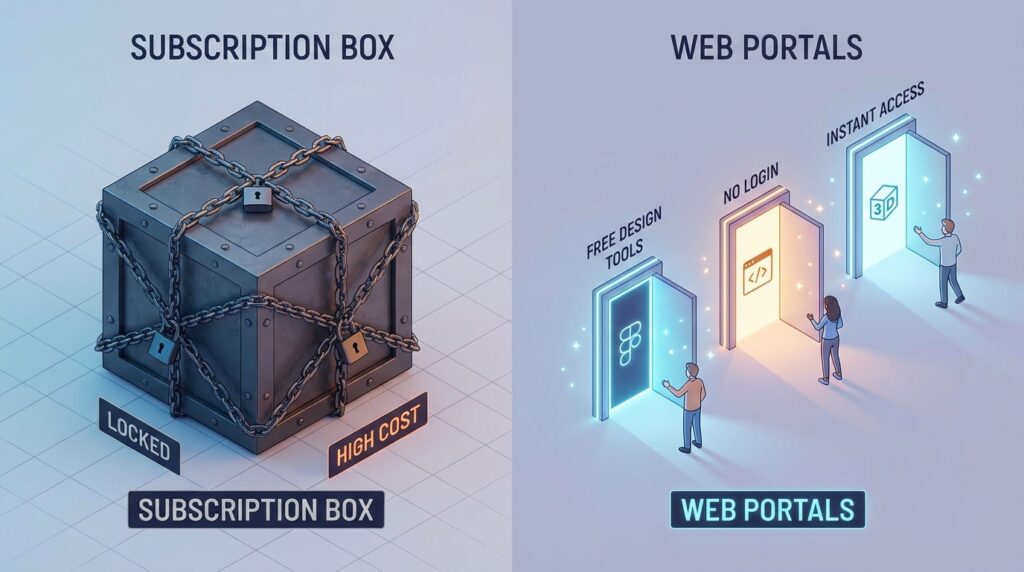
The era of the “Adobe Tax” is officially coming to an end. For decades, professional graphic design was gated behind expensive monthly subscriptions and steep hardware requirements. But as we move through 2026, the gap between “free” and “paid” has all but vanished. Thanks to the rise of WebAssembly (WASM), advanced browser-based AI, and a massive surge in open-source development, you can now access professional-grade design tools directly in your browser—without spending a single cent.
The most effective way to elevate your brand is to master tools that offer “High-Fidelity” output with “Zero-Cost” overhead. This step-by-step guide to the best free graphic design websites will show you how to build a world-class design stack using only free, browser-based platforms.
. Photopea: The Browser-Based Photoshop Killer
If you are looking for a one-to-one replacement for Adobe Photoshop, Photopea is the undisputed champion of 2026. It is a full-featured raster and vector graphics editor that runs entirely in your web browser.
- The Power Factor: It supports almost every professional file format, including
.PSD,.AI,.XD, and even.Sketch. - Why it Rivals Paid Software: Unlike “simple” online editors, Photopea includes advanced features like Smart Objects, Layer Masks, Blending Modes, and Content-Aware Fill.
- 2026 Upgrade: In its latest version, Photopea has integrated “Local AI” processing, allowing you to remove backgrounds and retouch skin using your computer’s GPU without uploading your data to a server.
A common mistake to avoid is thinking you need to install heavy software for a quick edit. Photopea is ready the moment you type the URL, making it the fastest way to handle professional-grade retouching on the fly.
2. Figma (Free Tier): The Industry Standard for UI/UX
While Figma is famous for app design, its free tier remains one of the most powerful graphic design tools for web-based projects. In 2026, Figma’s “Starter” plan has become even more generous to combat the rise of AI-only tools.
- Vector Precision: Figma’s “Vector Networks” allow you to draw complex shapes more intuitively than the traditional Pen Tool found in Illustrator.
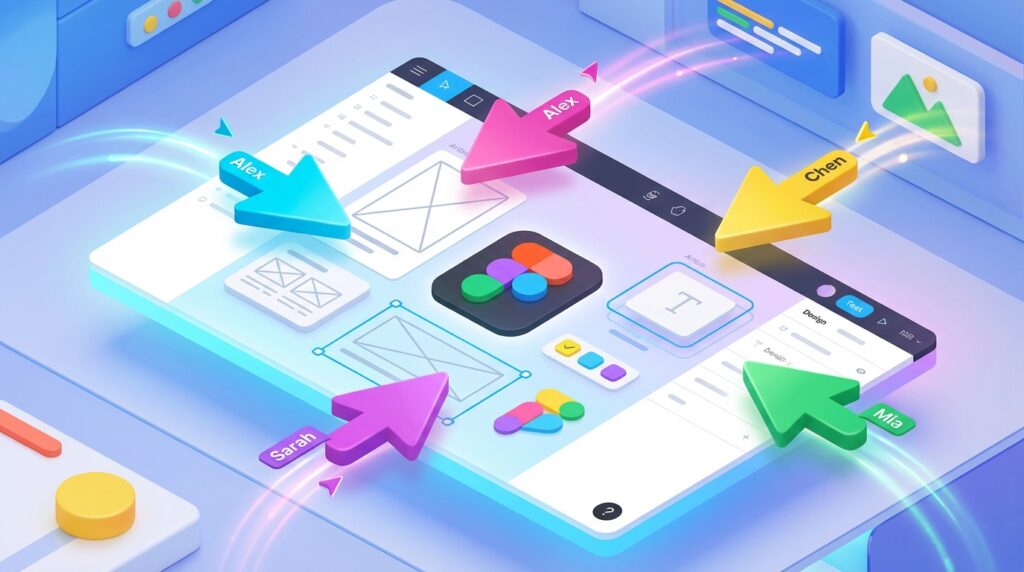
- Collaboration: It is built for real-time teamwork. You can invite a client to watch you design “live,” which streamlines the feedback loop.
- The “Secret” Utility: Even if you aren’t an app designer, Figma is incredible for creating high-res social media templates, YouTube thumbnails, and presentation decks that require pixel-perfect alignment.
3. Canva (Redesigned for 2026): The “Magic” Workflow
Canva is no longer just for “non-designers.” In 2026, it has rebranded its core engine as “Magic Studio,” an AI-heavy workflow that makes professional marketing materials in seconds.
- Generative Design: You can now type a prompt like “Create a 10-slide pitch deck for a sustainable coffee brand with a minimalist green aesthetic,” and Canva will generate the layouts, copy, and icons for you.
- Brand Hub (Free Version): While the Pro version offers more, the free tier now allows you to save basic brand colors and fonts, ensuring consistency across all your designs.
- Based on industry research, Canva’s speed-to-market is its greatest asset. It’s the best tool for high-volume content creators who need to produce 20+ social posts per week without burning out.
4. Inkscape (Web Version): The Vector Powerhouse
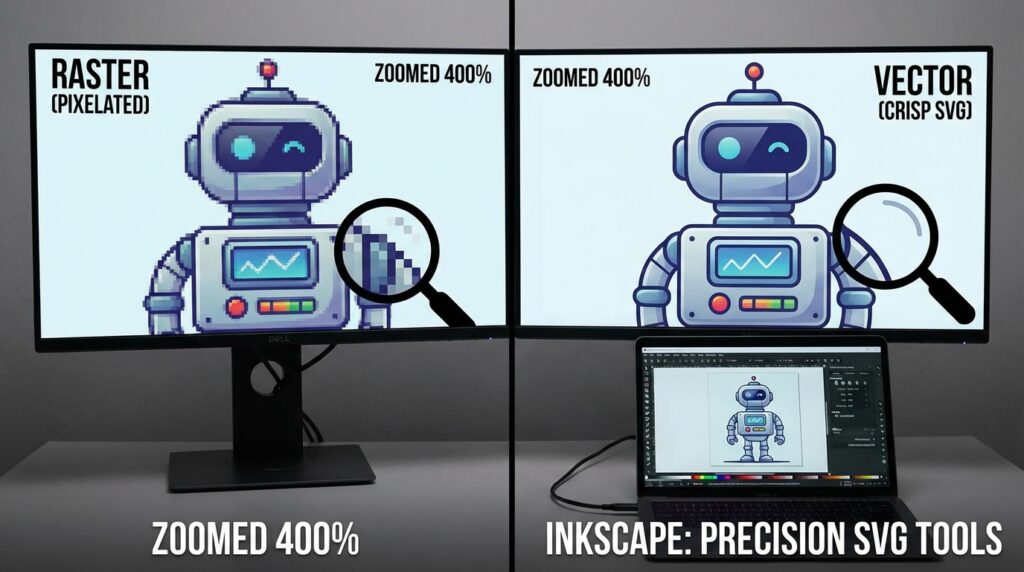
For years, Inkscape was a desktop-only open-source favorite. In 2026, the official “Inkscape Web” port has matured into a formidable rival to Adobe Illustrator.
- Infinite Scalability: Because it works with SVG (Scalable Vector Graphics) natively, anything you design in Inkscape can be scaled from a business card to a billboard without losing quality.
- Technical Accuracy: It offers advanced path operations, node editing, and text-on-path features that simple tools like Canva simply cannot match.
- Best For: Logo design, iconography, and complex illustrations that require mathematical precision.
5. Adobe Express: The “Adobe Magic” for Free
In a surprising move, Adobe has made its “Express” platform incredibly robust for free users to keep them within the ecosystem. It uses the same Firefly AI engine that powers Photoshop.
- One-Click Wonders: Their “Remove Background” and “Animate for Video” tools are currently the most accurate in the industry.
- Adobe Stock Integration: The free plan gives you access to a massive library of high-quality, royalty-free photos and icons that don’t look like “generic” stock.
- The Strategy: Use Adobe Express when you want that “Premium” look but don’t want to deal with the complexity of professional tools.
6. VistaCreate: The Print Specialist
If your graphic design work is destined for the physical world, VistaCreate is your best friend. It bridges the gap between digital design and physical printing.
- Print-Ready Templates: Every template is pre-configured with the correct “Bleed” and “Margin” settings for professional printing.
- Direct-to-Print: It integrates directly with VistaPrint, allowing you to order business cards or flyers with one click, knowing the colors and resolutions are perfectly calibrated.
7. Pixlr (E and X): The Lightweight Speedster
Pixlr is divided into two tools: Pixlr X (for quick, stylish edits) and Pixlr E (for advanced, layer-based design).
- AI Enhancement: Its 2026 “Auto-Fix” uses a neural network to balance exposure and color in old or poorly lit photos instantly.
- Low Resource Usage: If you are working on a low-powered laptop or a Chromebook, Pixlr is the most optimized tool on this list. It doesn’t drain your battery or heat up your CPU like Photopea or Figma can.
Comparison: Which Tool Should You Choose?
| Goal | Best Tool | Why? |
| Photo Editing | Photopea | Full PSD and layer support. |
| Logos & Icons | Inkscape | Native SVG and vector precision. |
| Social Media | Canva | Massive template library and AI speed. |
| Web & App Design | Figma | Real-time collaboration and prototyping. |
| Print Materials | VistaCreate | Built-in print margins and bleed support. |
Final Thoughts
In 2026, your design quality is limited only by your imagination, not your bank account. By combining the power of Photopea for editing, Figma for layout, and Canva for speed, you create a “Power Stack” that rivals any $50/month subscription. The transition might take a few days of learning, but the financial freedom and technical flexibility are worth every second.






Leave feedback about this