

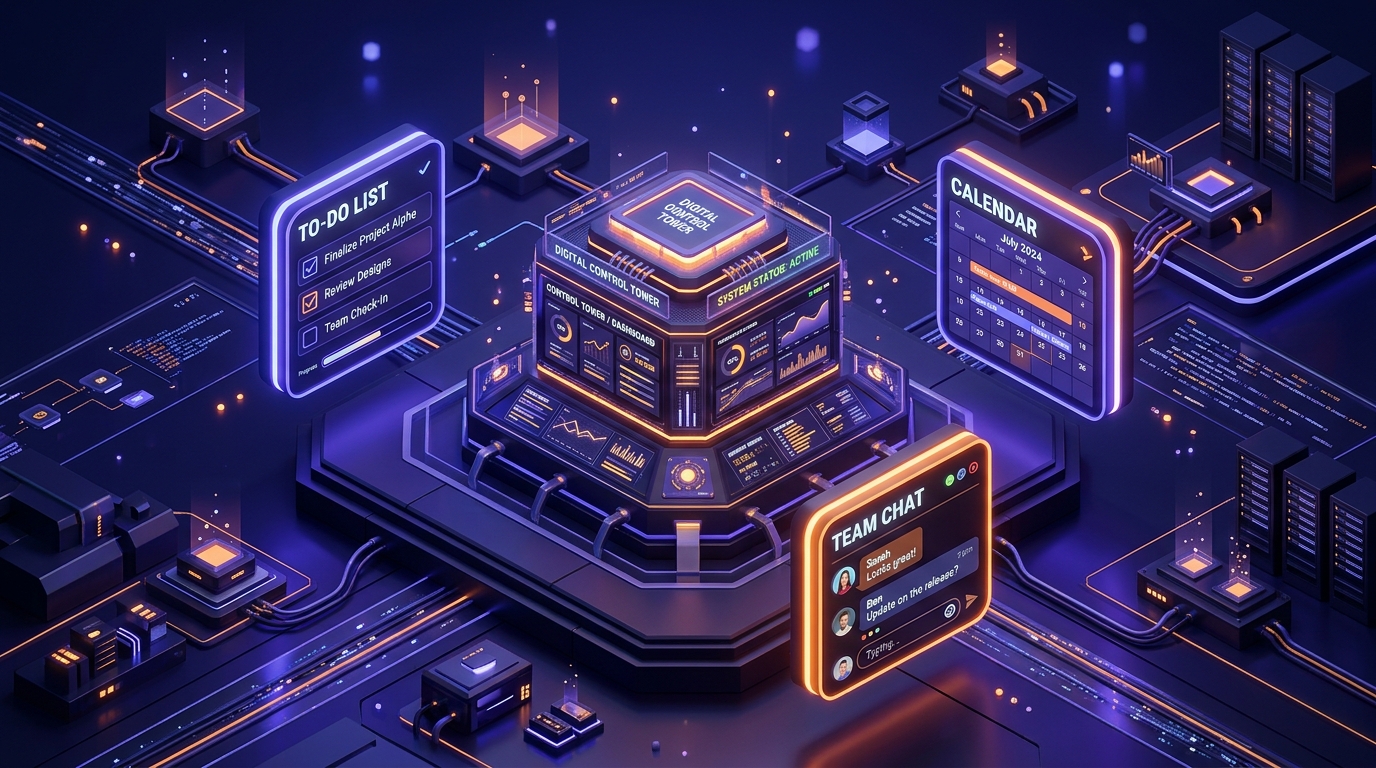
In 2026, the greatest bottleneck to business growth is no longer a lack of ideas—it is Execution Friction. We have entered the era of the “Distributed Workforce,” where a single project might involve a developer in Mumbai, a designer in London, and a content strategist in New York. If your “Project Management” consists of a long Slack thread and a messy Google Doc, you aren’t just disorganized; you are losing money to Information Decay.
The “Golden Rule” of 2026 project management is Centralized Context. Every task, every file, and every conversation must live in a single “Source of Truth.” The platforms that have dominated 2026 are those that move beyond simple “To-Do Lists” and into Visual Workflows—allowing you to see the “Health” of your project at a single glance.
The most effective way to scale your brand today is to automate the “Administrative Grunt Work.” This step-by-step guide to the top 5 free project management tools of 2026 will show you how to build a world-class operations hub for $0.
1. Trello: The Visual Kanban Pioneer
In 2026, Trello remains the undisputed king of “Visual Simplicity.” Owned by Atlassian, it uses a Kanban-style system of Boards, Lists, and Cards that is so intuitive a 5-year-old could manage a project on it.
- Unlimited Power-Ups: In a massive 2026 update, Trello now allows Unlimited Power-Ups on the free tier. This means you can integrate your Trello board with Google Drive, Slack, and your Email simultaneously, turning a simple board into a high-powered automation engine.
- Butler AI Automation: Trello’s “Butler” is the best free automation tool in the industry. You can set up “If/Then” rules without writing code. For example: “When a card is moved to ‘Done,’ check off all items in the ‘QA’ checklist and notify the Project Manager.”
- 10 Boards Per Workspace: The free plan gives you 10 boards. For a solo creator or a small agency, this is plenty. You can have one board for “Client Projects,” one for “Content Marketing,” and one for “Product Development.”
- Advanced Checklists: You can now add “Due Dates” and “Members” to individual items within a checklist. In 2026, this allows you to manage “Micro-Tasks” within a larger card, preventing your board from becoming cluttered with too many separate cards.
A common mistake to avoid is creating too many boards. In 2026, “Context Switching” is a productivity killer. Try to keep your “Daily Operations” on a single board and use Labels and Filters to find what you need, rather than jumping between 10 different tabs.
2. Asana: The “Big Picture” Strategist
If Trello is for “Visual Tasks,” Asana is for “Complex Workflows.” In 2026, Asana has become the standard for teams that need to track “Dependencies”—knowing that Task B cannot start until Task A is finished.
- Unlimited Tasks & Projects: Unlike other tools that cap your project count, Asana’s free tier allows for Unlimited Projects. This makes it the #1 choice for high-volume agencies that launch a new project every single week.
- The “Project Brief” & Overview: Asana provides a dedicated space for “High-Level Goals.” In 2026, it is easy to get lost in the “Weeds” of daily tasks; Asana’s “Overview” tab keeps your team aligned on the “Why” behind the work.
- Board, List, and Calendar Views: On the free plan, you can toggle between a Kanban board, a traditional list, and a Calendar view. In 2026, “Calendar View” is essential for content creators who need to see their “Publishing Schedule” at a glance.
- Collaborate with up to 10 People: Asana’s 2026 free tier supports a core team of 10. For most startups and small dev labs, this is the perfect “Sweet Spot” for growth.
3. ClickUp: The “Everything” App
ClickUp’s slogan in 2026 is “One app to replace them all,” and they aren’t joking. It is the most feature-rich free tool on the market, combining project management, docs, whiteboards, and even a basic CRM.
- 100MB of File Storage: While the storage is limited, ClickUp allows you to host your “Brand Guidelines” or “SOPs” directly inside the app. In 2026, having your Standard Operating Procedures living right next to your tasks is the key to scaling without chaos.
- Custom Fields & Statuses: Unlike Trello, where “Done” is just “Done,” ClickUp allows you to create custom statuses like “In QA,” “Awaiting Client Approval,” or “Delayed.” This provides a level of detail that usually costs $20/month on other platforms.
- Whiteboards (Free Tier): ClickUp includes a digital whiteboard for brainstorming. You can draw out your “App Logic” or “Funnel Map” and then instantly turn those drawings into clickable tasks.
- Time Tracking (Built-in): In 2026, if you are a freelancer, you need to know how long a project takes. ClickUp features a native timer inside every task, eliminating the need for a separate “Toggl” subscription.
4. Notion: The “Documentation” Powerhouse
Notion is the 2026 favorite for Developers and Content Creators. It isn’t just a project management tool; it is a Wiki that can also manage projects. If your work involves a lot of writing, research, or “Knowledge Management,” Notion is your MVP.
- Database Blocks: This is Notion’s “Superpower.” You can create a database of “Blog Post Ideas” and view it as a Gallery (for visuals), a List (for writing), or a Table (for SEO metadata). In 2026, “Database Views” are how pros manage their content empires.
- Unlimited Blocks for Individuals: For a solo creator, Notion is effectively unlimited. You can build an entire “Second Brain”—storing your research, your code snippets, and your project timelines in one inter-connected web.
- Synched Blocks: If you update your “Price List” in one document, it updates everywhere else that block is used. In 2026, “Data Integrity” is vital; Notion ensures you never send a client an “Old Version” of a document.
- Native AI Assistant (Free Credits): Notion’s 2026 free tier includes a monthly allowance of AI credits. You can ask the AI to “Summarize this long project meeting” or “Draft a project plan based on these notes,” saving you hours of transcription.
A common mistake to avoid is over-engineering your Notion setup. Because it is so flexible, many people spend 10 hours “building the perfect dashboard” and 0 hours actually doing work. In 2026, start with a Simple Template and only add complexity when you feel the “Friction” of your current system.
5. Monday.com (Free Tier for Students/Solos): The “Automated” Dashboard
While Monday.com is often seen as a “Big Corporate” tool, their 2026 “Individual” plan is a masterpiece of Dashboard Visuals. It is for the person who loves “Data Visualizations” and wants to see their project progress as a colorful pie chart.
- Up to 2 Users: The free plan is designed for “Dynamic Duos.” If you have one partner or an assistant, Monday.com provides the most professional “Executive View” of your work.
- 200+ Templates: Monday.com has the best library of pre-built boards in 2026. Whether you are “Launching a Book,” “Managing a Construction Project,” or “Tracking a Software Bug,” they have a template that is 90% finished for you.
- Column-Based Logic: Monday.com works like a “Supercharged Excel.” You can add columns for “Priority,” “Budget,” “Timeline,” and “Status.” This makes it the best tool for Financial Project Management.
- Mobile-First Experience: In 2026, the Monday.com app is the fastest in the industry. If you are on the go, you can “Pulse” a project status or reply to a teammate in under 2 seconds, keeping the momentum alive.
Comparison: Which Project Tool Matches Your Style?
| Platform | Best For | Focus | 2026 “Pro” Feature |
| Trello | Visual Creatives | Kanban / Simplicity | Unlimited Butler AI Rules |
| Asana | Team Workflows | Dependencies / Goals | Unlimited Projects & Tasks |
| ClickUp | Feature Seekers | All-in-One / CRM | Built-in Time Tracking |
| Notion | Knowledge Workers | Wikis / Docs | Synched Blocks & AI Writing |
| Monday.com | Solo Execs | Dashboards / Data | High-End Project Templates |
The 2026 “Zero-Friction” Management Routine: 3 Steps to Scale
A tool is only as good as the Habit behind it. To ensure your projects actually move forward in 2026, follow the “1-3-5” Workflow:
- The “Daily Review” (The Morning): Before checking email, open your project tool. What is the 1 “Must-Win” task for today? Move it to the top. This prevents you from being “Busy” without being “Productive.”
- The “Context Dump” (Throughout the Day): Do not store project info in your head. If you have an idea for a “Bug Fix” or a “Marketing Tag,” put it directly into the relevant Task Card. In 2026, “Mental Load” is the enemy of creativity.
- The “Friday Audit” (The Afternoon): Spend 15 minutes every Friday “Cleaning” your boards. Close finished tasks, update due dates for next week, and move “Blocked” tasks to a separate list. This ensures you start Monday with a clean slate.
Final Thoughts
Project management in 2026 is the art of Removing Uncertainty. It is the ability to walk away from your desk knowing exactly what is finished, what is pending, and who is responsible for the next step.
By leveraging the visual ease of Trello, the organizational depth of Asana, or the “Everything” power of ClickUp, you are building a “Digital Nervous System” for your business. The tools are free. The templates are ready. Your only job now is to Stop Planning and Start Executing.






Leave feedback about this