
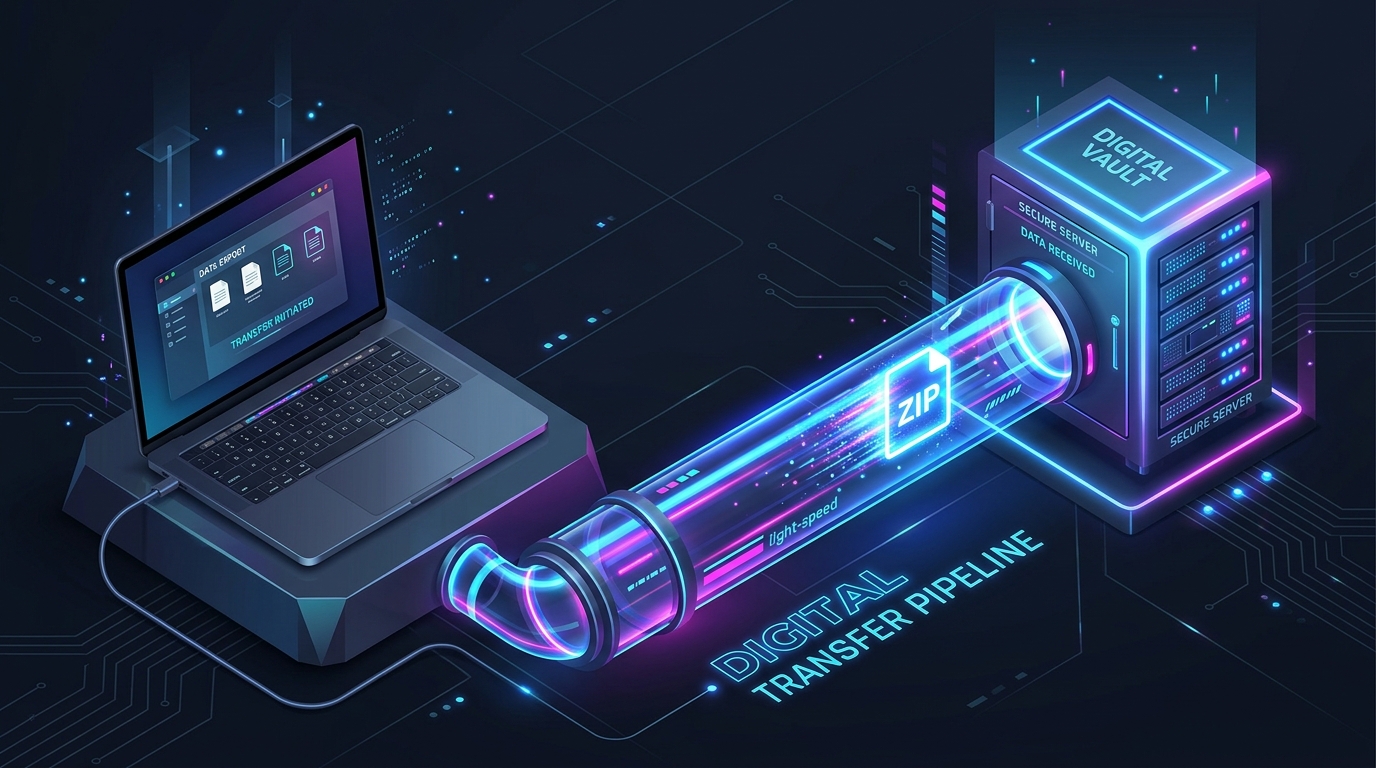
In 2026, the concept of an “email attachment” is functionally obsolete. We are living in the era of Hyper-Dense Media. With 8K video renders, massive uncompressed RAW photography folders, and gigabytes of local LLM (Large Language Model) training data, the files we share daily have outgrown traditional cloud storage. If you are still trying to force a 5GB ZIP file into Google Drive and messing with “Request Access” permissions, you are causing unnecessary friction for your clients and colleagues.
The “Golden Rule” of 2026 file sharing is Ephemeral Logistics. The most efficient way to deliver client work isn’t to store it permanently in a shared folder; it is to use a high-speed, temporary transfer pipeline that auto-destructs after delivery. This ensures your cloud storage doesn’t fill up with old projects and protects your clients from long-term data breaches.
The platforms that dominate 2026 are those that offer End-to-End Encryption, No-Registration Drop Zones, and Massive Free Limits. This step-by-step guide to the top 5 free file-sharing websites of 2026 will show you exactly how to build a zero-cost, high-speed delivery system for your brand.

1. SwissTransfer: The Heavyweight Privacy Champion
In 2026, SwissTransfer (built by the Swiss hosting provider Infomaniak) is the absolute gold standard for sending massive files. While most free tools cap you at 2GB, SwissTransfer obliterates the competition by offering a staggering 50GB free transfer limit.
- The 50GB Payload: Whether you are sending an entire wedding video gallery or a complete website backup, 50GB covers 99% of daily professional needs. You can send up to 500 files at once without spending a single dollar.
- Swiss Privacy Laws: Data security is paramount in 2026. Because SwissTransfer’s servers are located entirely in Switzerland, your data is protected by some of the strictest privacy laws in the world. It is not subject to the CLOUD Act, making it the #1 choice for sharing sensitive legal, medical, or unreleased corporate data.
- Advanced Link Controls (Free): While other platforms charge for security, SwissTransfer allows you to password-protect your links, set the exact expiration date (up to 30 days), and limit the number of downloads per link—all on the free tier.
- No Registration Required: You do not need an account to send 50GB. You simply drag and drop your files, generate the link (or send via email directly from their interface), and close the tab. It is frictionless, secure, and incredibly fast.
A common mistake to avoid is ignoring the “Expiration Settings.” By default, your file might stay on the server for 30 days. In 2026, best security practices dictate setting the expiration to “After 1 Download” or “3 Days” if you are sending sensitive client assets. Never leave client data sitting on a public server longer than necessary.
2. Smash (FromSmash): The “No Size Limit” Creative Hub
If you are a video editor or a 3D animator, you have likely hit a wall where even 50GB isn’t enough. Enter Smash (fromsmash.com). In 2026, Smash remains famous for its ultimate hook: Absolutely No File Size Limits on the free tier.
- Unlimited File Size: You can legitimately send a 150GB uncompressed video render for free. The caveat? If your file is over 2GB, it goes into a “Non-Priority Queue.” Your upload and the recipient’s download will be throttled (slower), but the file will transfer. For overnight deliveries, this is a lifesaver.
- The “Wait Screen” Experience: Smash turns the waiting game into an exhibition. Instead of staring at a boring progress bar, recipients are shown curated, high-quality creative projects (short films, photography, digital art) while they wait for the download to finish.
- Link Customization: You can customize the URL of your transfer (e.g.,
fromsmash.com/SattiveDevLabs-Assets). In 2026, sending a clean, branded link looks significantly more professional to a client than a string of random alphanumeric characters. - Eco-Friendly Infrastructure: In 2026, corporate responsibility matters. Smash actively optimizes its servers to reduce its carbon footprint, automatically deleting files after 7 days (by default) to ensure servers aren’t burning electricity storing forgotten data.
3. Wormhole: The “Instant P2P” Speedster
For the developer or creator who values speed above all else, Wormhole.app is a technological marvel. It utilizes WebRTC peer-to-peer (P2P) technology, which fundamentally changes how file sharing works.
- Instant Link Generation: With traditional tools, you have to wait for a 5GB file to finish uploading before you can get the shareable link. With Wormhole, the moment you drop the file into the browser, it generates the link. You can Slack the link to your colleague immediately. As long as you keep your browser tab open, they will download the file directly from your computer in real-time.
- Up to 10GB Capacity: Wormhole allows you to share files up to 10GB for free. Files up to 5GB are stored on their servers for 24 hours, while files between 5GB and 10GB rely entirely on P2P transfer (meaning both sender and receiver must be online simultaneously).
- End-to-End Encryption (E2EE): Wormhole uses a zero-knowledge architecture. The encryption key is embedded in the URL itself. Wormhole’s servers never see your files, and they cannot decrypt them. If you are sharing proprietary code or unreleased software builds, this is the most secure free method available.
- Auto-Destruction: Files shared on Wormhole automatically self-destruct after 24 hours or after a specified number of downloads. It is the digital equivalent of a “Burn After Reading” briefcase.

4. WeTransfer: The “Industry Standard” Fast-Lane
Despite fierce competition in 2026, WeTransfer remains the “Kleenex” of file sharing. It is the most universally recognized tool, which carries a specific psychological weight when dealing with non-technical clients.
- The 2GB Frictionless Standard: WeTransfer caps its free tier at 2GB. While small compared to SwissTransfer, it is the fastest, most reliable 2GB on the internet. For sending a quick batch of PDFs, a final logo package, or a short social media video, it requires zero thought.
- Universal Client Trust: Because it is so ubiquitous, corporate firewalls and non-tech-savvy clients rarely block or question a WeTransfer link. When you send a WeTransfer link, the client knows exactly what to do. There is no “learning curve” for the recipient.
- “Portals” and Review Features: In recent updates, WeTransfer has added “Review” features to its free tier. You can send an image or video, and the client can actually click on the file and leave a comment or approval directly in the browser before they download it.
- iOS and Android Apps: WeTransfer has the best mobile ecosystem. If you just shot a 1.5GB 4K video on your iPhone and need to send it to your editor immediately, the WeTransfer mobile app handles it flawlessly without forcing you to use iCloud or AirDrop.
5. MEGA.io: The “Persistent Vault” Hybrid
While the previous tools are “ephemeral” (the files disappear after a few days), MEGA acts as a hybrid. It is a persistent cloud storage drive that excels at generating secure, shareable links.
- 20GB Free Baseline: MEGA gives you 20GB of permanent cloud storage for free just for signing up. You can upload your files, organize them into folders, and they stay there until you delete them.
- Encrypted Link Generation: When you want to share a folder, MEGA generates a link. Because MEGA is built on user-controlled End-to-End Encryption, the decryption key is appended to the link URL. The recipient can download the files without an account, and MEGA’s servers cannot read the data.
- The “MEGAsync” Desktop App: For heavy users, MEGA offers a free desktop app that works in the background. You can right-click any file on your computer, select “Get MEGA Link,” and it will upload and generate a secure sharing link natively from your desktop.
- In-Browser Streaming: If you send a large video file or an audio track via MEGA, the recipient doesn’t have to download it to view it. MEGA’s web interface can decrypt and stream media directly in the browser, making it excellent for client review sessions.
Comparison: Which Free File Sharing Tool Matches Your Cargo?
| Platform | Best For | 2026 “Pro” Feature | Free Max Limit |
| SwissTransfer | Heavy Client Delivery | Swiss Privacy & Passwords | 50GB |
| Smash | Massive Video Files | Unlimited Size (Queued) | Unlimited |
| Wormhole | P2P Instant Speed | Instant Link Generation | 10GB |
| WeTransfer | Quick Daily Sends | Universal Trust / UX | 2GB |
| MEGA | Persistent Storage | End-to-End Encrypted Drive | 20GB |
The 2026 “Zero-Leak Delivery” Routine: 3 Steps to Secure Transfers
Using a file transfer tool is easy; using it professionally requires a system. To ensure your digital logistics are flawless in 2026, follow the “ZIP-Secure-Send” protocol:
- Phase 1: The “Clean Package” (ZIP): Never send a client 45 loose files. It looks sloppy and increases the chance of download errors. Put everything into a master folder, name it clearly (e.g.,
Sattive_Dev_Labs_FinalAssets_v2.zip), and compress it. - Phase 2: The “Platform Selection” (Secure): Assess the cargo. If it is under 2GB and standard definition, use WeTransfer. If it is a 30GB raw code repository or high-res video, use SwissTransfer. If it is highly sensitive, unreleased intellectual property, use Wormhole for P2P encryption.
- Phase 3: The “Delivery Context” (Send): Do not just email the naked link. Always write a brief message: “Hi [Name], here is the secure link to download the final assets via SwissTransfer. The file is 12GB and the link will expire in 3 days. Please confirm receipt.” This establishes authority and urgency.
Final Thoughts
In 2026, your “Delivery Mechanism” is the final touchpoint of your client experience. Sending a client a cluttered Google Drive link where they have to request permissions feels amateur. Sending them a clean, password-protected, high-speed transfer link feels premium.
By leveraging the massive 50GB allowance of SwissTransfer, the unlimited capacity of Smash, or the P2P speed of Wormhole, you are building enterprise-grade digital logistics for exactly $0. The pipelines are open. The servers are fast. Your only job now is to Ship the Work.






Leave feedback about this