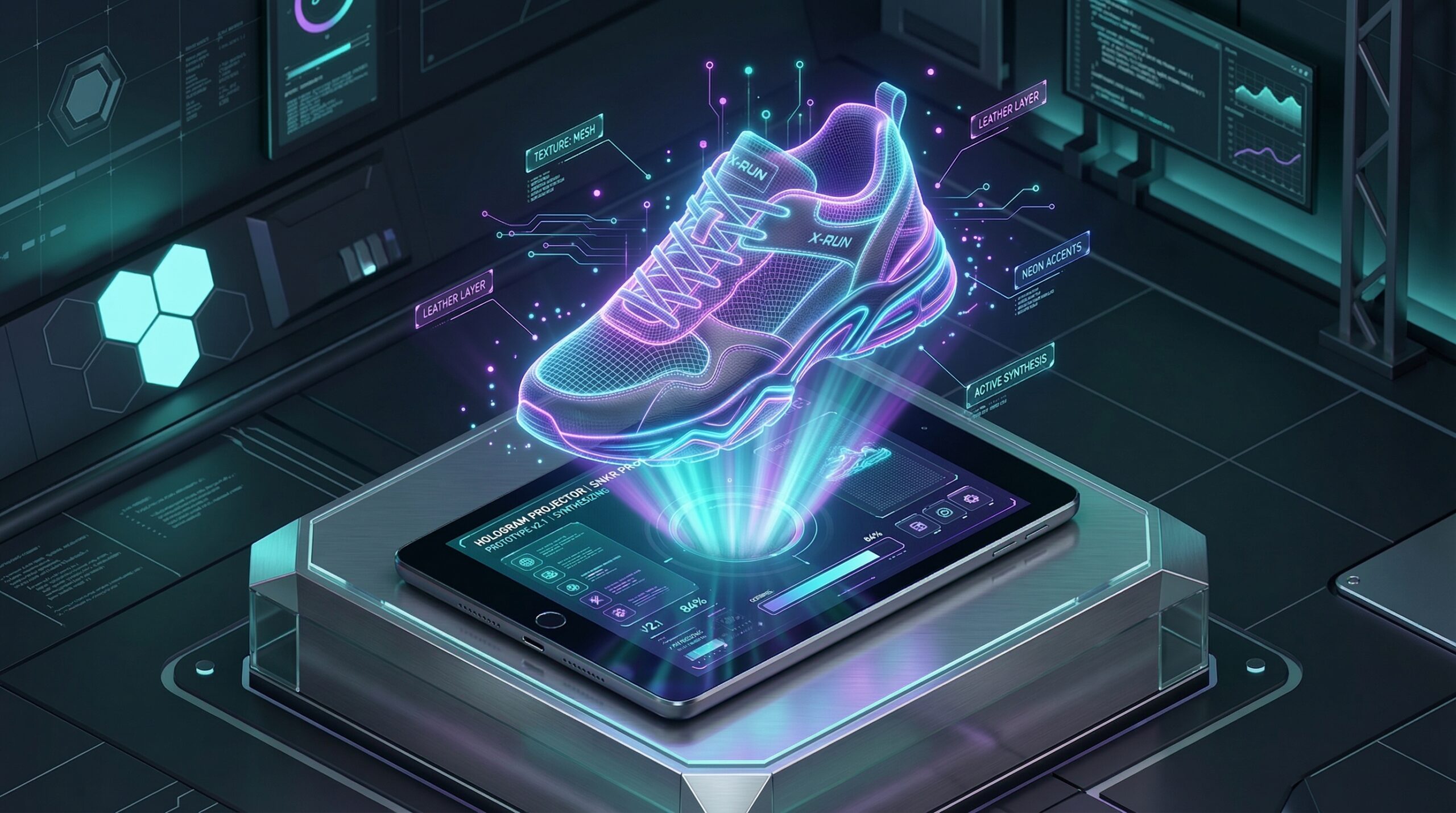
In the digital-first economy of 2026, “seeing is believing.” You might have the most innovative app interface or the world’s softest organic t-shirt design, but if you present it as a flat file, your audience won’t “feel” it. A high-quality mockup bridges the gap between a concept and a finished product, providing the psychological “proof” customers need to click “Buy.”
The most effective way to elevate your brand’s perceived value is to use photorealistic scenes that match your specific niche. This step-by-step guide to the best free mockup generators will show you how to create studio-quality visuals for tech, apparel, and packaging without spending a cent on a photographer.

1. Canva: The Versatile All-In-One Powerhouse
In 2026, Canva has solidified its position as the king of accessible design by fully integrating Smartmockups (which it acquired and absorbed). It is the best tool for creators who want their mockups to live inside their existing marketing workflow.
- 2,500 Free Uses: On the free tier, Canva allows you to generate and use up to 2,500 mockups. This is a massive allowance for most small businesses and freelancers.
- Smartmockups Integration: Located under the “Apps” tab, this feature allows you to search through thousands of templates—from iPhone 16 frames to “lifestyle” shots of people drinking from branded mugs in a sunlit kitchen.
- The “Magic Edit” Synergy: Since you are already in the Canva editor, you can use AI tools to change the color of the background, add shadows, or even use “Magic Media” to generate a custom background for your mockup on the fly.
- Best For: Social media managers, small business owners, and anyone who needs a “one-click” solution for marketing graphics.
A common mistake to avoid is using the most popular “trending” mockups. Because Canva is so widely used, the first 10 results are everywhere. Scroll deeper into the “Technology” or “Packaging” tabs to find unique angles that your competitors haven’t used.
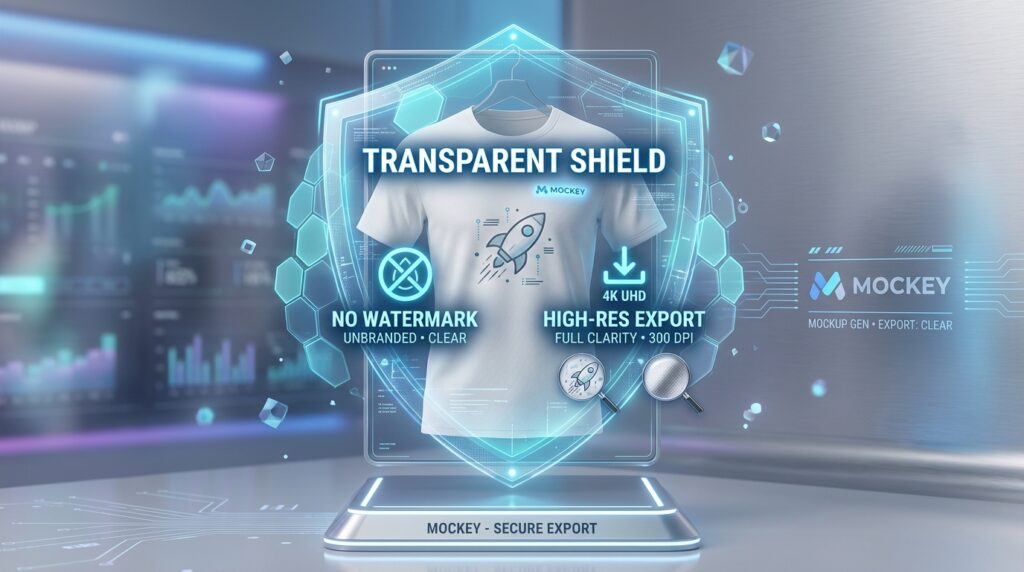
2. Mockey: The “No-Watermark” Hero
For those who are tired of finding the perfect template only to see a giant logo over the final download, Mockey is the 2026 industry favorite for clean, professional exports.
- 1,000+ Free Templates: Mockey specializes in apparel (t-shirts, hoodies, caps) and e-commerce-ready product shots. It is one of the few platforms that offers high-definition PNG downloads for free without forcing a subscription.
- E-commerce Ready: It provides templates specifically sized for Amazon, Shopify, and Etsy. You can generate a “Flat Lay” of a shirt, a “Model” shot, and a “Folded” shot all in one session to maintain brand consistency.
- 3D Fitting AI: Mockey uses advanced AI to ensure your design follows the “folds and wrinkles” of the fabric. This prevents the “pasted-on” look that plagues lower-quality generators.
- The User Experience: No login is required for basic operations, making it the fastest tool for a “quick-and-dirty” preview before a meeting.
3. Mockuuups Studio: The UI/UX Designer’s Secret Weapon
If you are a web developer or an app designer, Mockuuups Studio is the gold standard. In 2026, it exists as both a lightning-fast web tool and a powerful plugin for Figma and Adobe Express.
- Massive Device Library: It boasts over 4,500 device mockups, including every iteration of the MacBook Pro, iPhone, and Android flagship phones.
- The “Instant Preview” Workflow: You simply drag your screenshot into the app, and it instantly renders it across hundreds of scenes simultaneously. You don’t have to click each one to see how it looks; you just scroll and pick the winner.
- Figma Plugin Synergy: For designers who live in Figma, the Mockuuups plugin allows you to sync your “Frame” directly to a photorealistic hand holding a phone, updating in real-time as you make design changes.
- Constraint: The free version allows limited high-quality exports per month, but the “Preview” mode is unlimited, making it perfect for client presentations where you can screen-share the results.
4. Pacdora: The Packaging Architecture Specialist
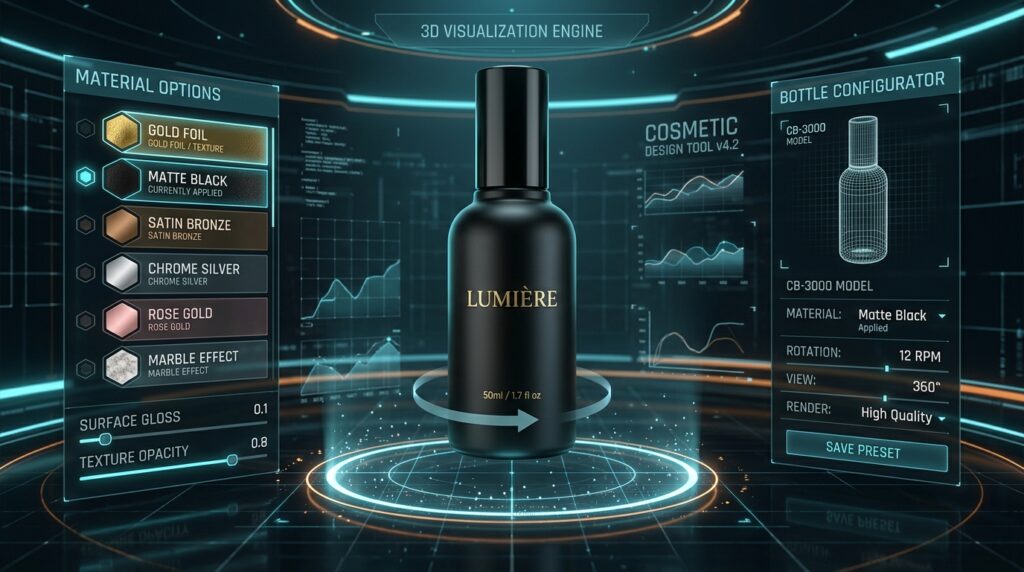
While other sites focus on t-shirts and phones, Pacdora is the 2026 leader in 3D packaging. If you are launching a supplement line, a cosmetics brand, or a subscription box, this is your tool.
- 3D Structural Design: Pacdora doesn’t just “paste” your logo; it gives you a 3D dieline. You can rotate the box, bottle, or tube in a 360-degree viewer to see exactly how your label wraps around the corners.
- Material Textures: The free tier allows you to experiment with different finishes—matte, glossy, or metallic—giving your packaging a “premium” feel that 2D mockups cannot replicate.
- Dieline Export: For the manufacturing stage, you can often export the flat “Dieline” template for free, which you can then send to your printer as a technical guide.
5. Renderforest: The Cinematic Presentation Tool
Renderforest is for the person who needs their mockup to “Move.” In 2026, video mockups are the most effective way to grab attention on social media, and Renderforest offers the best free-tier video templates.
- Video Mockup Scenes: Instead of a static image of a phone, you get a 10-second 4K video of someone walking through a city using your app.
- Branding Packs: They offer “Collections” where the same office, the same model, and the same lighting are used across 20 different scenes. This allows you to create a full brand “Lookbook” that feels like a single photoshoot.
- Browser-Based Power: Despite the complexity of 3D video rendering, Renderforest runs entirely in your browser, requiring no expensive hardware on your end.
- Note: The free version includes a small watermark in the corner. For many, this is an acceptable trade-off for access to high-end cinematic 3D animation.
2026 Comparison: Which Mockup Generator Fits Your Task?
| Platform | Best For | Standout Feature | Free Tier Limit |
| Canva | Marketing Content | Smartmockups + AI Editing | 2,500 Mockups |
| Mockey | Apparel & E-commerce | No Watermark / 3D Folds | Unlimited |
| Mockuuups Studio | UI/UX & Apps | Figma Plugin / Local App | Limited Exports |
| Pacdora | Packaging & Bottles | 360° 3D Rotation | Limited (Dielines) |
| Renderforest | Video & Animation | Cinematic Video Mockups | Watermarked |
The “Photorealism” Checklist for 2026
Based on industry research, the most common reason an AI mockup looks “fake” is a lack of integration between the design and the environment. Before you publish, check these three things:
- Opacity & Blending: Does your logo look like it’s sitting on top of the shirt, or is it part of the fabric? In tools like Canva or Mockey, lower the opacity of your design by 3-5% to let the fabric texture peek through.
- Shadow Realism: If the scene has a strong light source from the left, your design should have a slight “drop shadow” or highlight on the right. Most 2026 tools handle this automatically, but always double-check.
- The “Human” Touch: Data shows that mockups with a human element (a hand holding a phone, a person wearing the shirt) convert 30% better than “Ghost” or “Flat-lay” mockups.
Final Thoughts
In 2026, professional-grade product photography has been democratized. You no longer need to buy samples and rent a studio to see if your brand works. By stacking the ease of Canva, the high-res purity of Mockey, and the 3D depth of Pacdora, you can build a complete product line in a single afternoon for $0.

Leave feedback about this