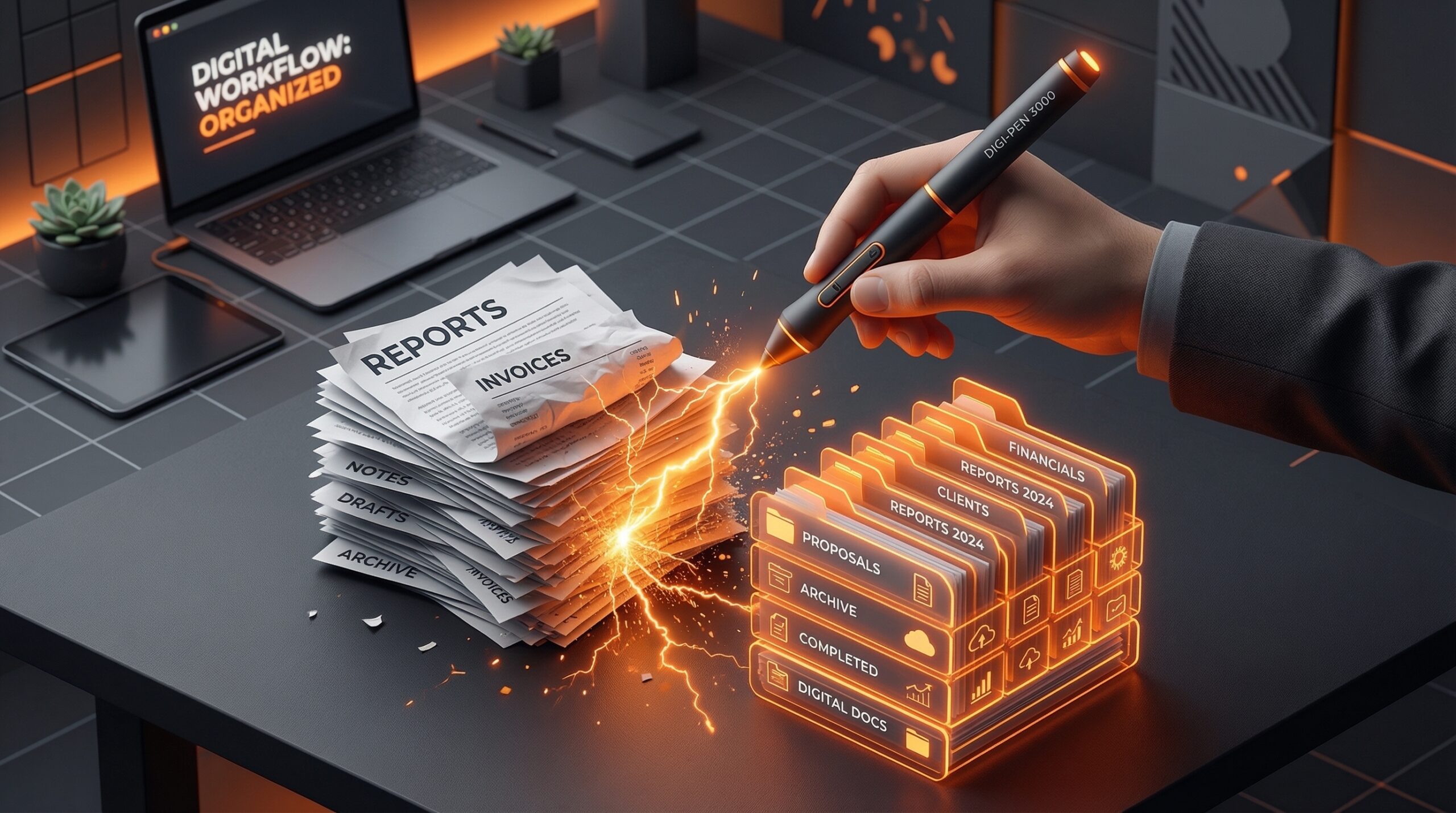
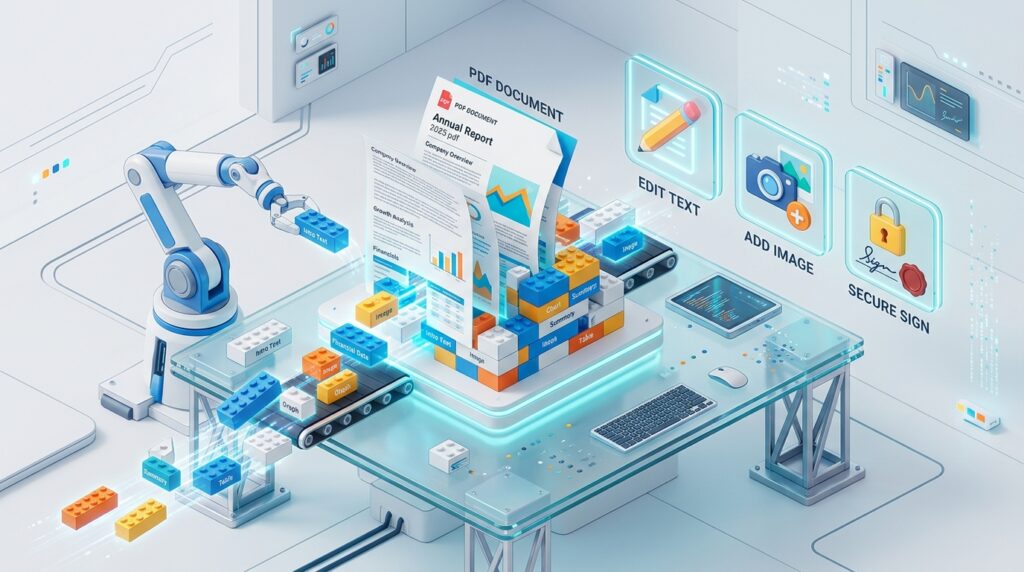
The PDF (Portable Document Format) was designed to be a “digital paper”—unalterable, fixed, and final. But in the fast-paced work environment of 2026, “final” is a relative term. Whether you need to fix a typo in a contract, redact sensitive data from a report, or merge five different spreadsheets into a single presentation, the right PDF editor is no longer a luxury—it is a necessity.
The most effective way to manage your digital paperwork in 2026 is to use a “Cloud-Hybrid” workflow. You don’t need a $20/month Adobe subscription for basic edits; you need a tool that respects your privacy and your wallet. This step-by-step guide to the best free PDF editors will help you navigate the sea of “freemium” traps to find the tools that actually deliver.
1. PDFgear: The “Actually Free” Disruptor
In 2026, PDFgear has become the gold standard for free PDF management. While other sites limit you to “2 files per day” or add a massive watermark, PDFgear offers nearly all its features for $0.
- AI Copilot Integration: PDFgear was the first to integrate a ChatGPT-based AI. You can “chat” with your PDF—ask it to summarize a 50-page legal document, extract key dates, or even translate sections in real-time.
- Full Text Editing: Most free editors only let you “white out” text and type over it. PDFgear allows you to click into existing paragraphs and change the words, matching the original font and size perfectly.
- Desktop & Web Sync: You can use their web tool for a quick edit on a public computer, or download their lightweight desktop app for heavier tasks like batch-converting 100 images to PDF.
- The “No Catch” Policy: No watermarks, no registration required, and no file size limits on most standard operations.
A common mistake to avoid is thinking you need to sign up for an account. PDFgear allows you to process documents anonymously, which is a massive win for data privacy in 2026.
2. Sejda PDF: The “Simple & Secure” Specialist
Sejda is the choice for users who value a clean, distraction-free interface and prioritize security. It is widely considered the best “Middle Ground” editor in 2026.
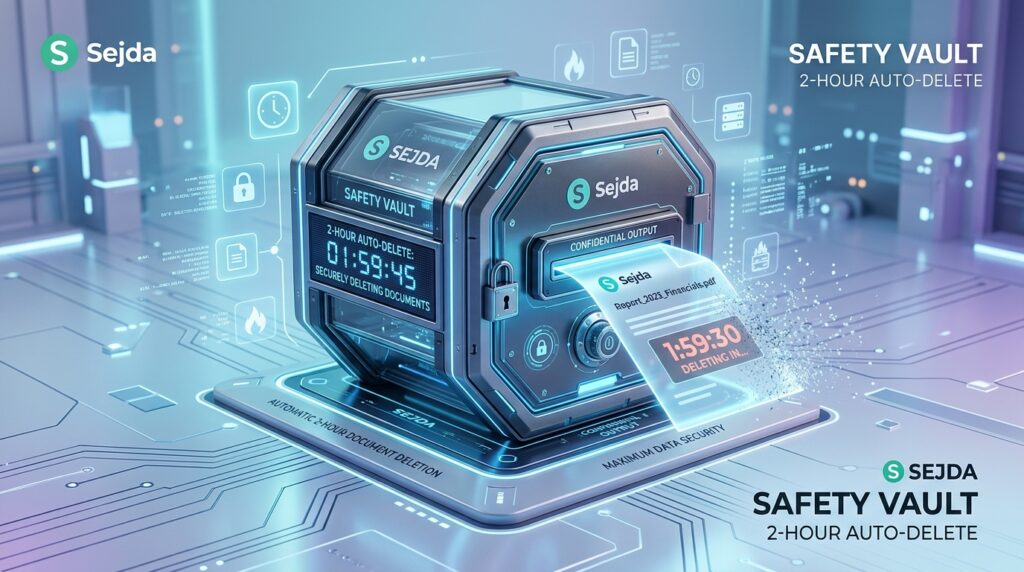
- Privacy First: Sejda automatically deletes your files from their servers after 2 hours. This makes it a favorite for legal and medical professionals who need to make quick edits to sensitive documents.
- The “Visual” Editor: Sejda’s interface is incredibly intuitive. If you want to add a signature, you simply click “Sign” and draw with your mouse or upload an image.
- Free Tier Limits: Sejda’s free model is “Task-Based.” You can perform 3 tasks per day on files up to 200 pages or 50MB. While this is limited compared to PDFgear, the quality of the output is world-class.
- Niche Tools: It offers unique features like “Bates Numbering” (for legal discovery) and “Grayscale Conversion” (to save ink when printing).
3. PDF Candy: The “All-in-One” Toolkit
PDF Candy is like a Swiss Army knife for your browser. It doesn’t just “edit”; it solves almost every weird file problem you might encounter in 2026.
- 47 Specialized Tools: Instead of one giant editor, PDF Candy gives you 47 individual buttons (e.g., “PDF to Word,” “Resize PDF,” “Unlock PDF,” “Add Header/Footer”). This makes it incredibly fast for “one-and-done” tasks.
- Offline Capability: Uniquely, PDF Candy offers a browser-based “offline” mode for certain tools, allowing you to process files even when your Wi-Fi is spotty.
- High-Resolution Export: Even on the free tier, PDF Candy preserves the original DPI (dots per inch) of your images, ensuring that your PDFs remain crisp and professional when printed.
- Constraint: The free version limits you to one task per hour. This makes it perfect for the “Occasional User” but frustrating for power users.
4. TinyWow: The “Anti-Subscription” Hero
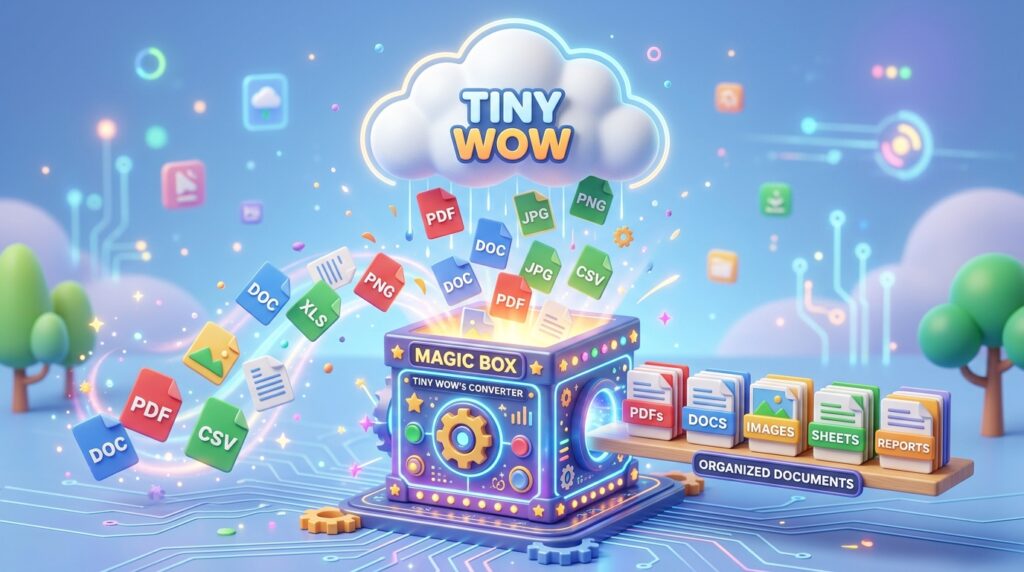
TinyWow is a community favorite in 2026 because of its ethical business model. They fund their massive suite of tools through non-intrusive ads rather than hitting you with paywalls every five minutes.
- Total Utility: Beyond PDF editing, TinyWow includes video, image, and AI writing tools. It is the ultimate “bookmarks” site for a digital nomad.
- No Sign-Up: You can upload, edit, and download without ever giving them your email address. In an era of data harvesting, this is a rare and valuable feature.
- The “Pro” Experience for Free: Features that usually cost money—like OCR (Optical Character Recognition) to turn a scanned photo into a searchable PDF—are completely free on TinyWow.
5. Canva (The Design-First Editor)
Wait, isn’t Canva for Instagram posts? In 2026, Canva has become a secret weapon for PDF editing, especially if you need to make a document look beautiful rather than just functional.
- Layout Magic: If you have an old, ugly PDF, you can import it into Canva. Their AI will “deconstruct” the PDF into individual elements, allowing you to drag images, change colors, and swap fonts as if you were designing a flyer.
- Visual Storytelling: Canva is the best tool for turning a boring “White Paper” into a vibrant, brand-aligned PDF with charts, icons, and professional photography.
- Interactive PDFs: You can add clickable links, hover-over effects, and even embedded videos, which will work perfectly when the PDF is viewed digitally.
2026 Comparison: Which Editor Should You Use?
| Platform | Best For | AI Features | Privacy / Limits |
| PDFgear | Power Users | Elite (Chat with PDF) | Unlimited / No Watermark |
| Sejda | Security/Legal | Basic Annotation | 3 Tasks per Day (Auto-Delete) |
| PDF Candy | Specific Fixes | OCR (Optical Scan) | 1 Task per Hour |
| TinyWow | Data Privacy | AI Writing Assist | Unlimited / Ad-Supported |
| Canva | Beauty/Design | Magic Design AI | Unlimited (with Canva Free) |
The 2026 PDF “Security Checklist”
Based on industry research, more data is leaked through PDF metadata than almost any other file type. Before you hit “Download” on a free site, follow these three steps:
- Check for “Flattening”: After adding a signature or redaction, use a “Flatten PDF” tool. This merges all layers into one so no one can “un-hide” the sensitive text you tried to cover up.
- Metadata Scrubbing: Use a free tool like TinyWow or PDF Candy to “Remove Metadata.” This deletes hidden info like your name, your company, and the exact time/date the file was created.
- Password Protection: If you are sending a contract, use the “Protect PDF” feature to add 128-bit encryption. Even free tools in 2026 offer this standard.
Final Thoughts
The “PDF Tax” is officially over. Whether you need the AI-powered intelligence of PDFgear, the high-speed security of Sejda, or the creative flair of Canva, the tools available in 2026 are more than capable of replacing expensive desktop software.
Stop fighting with your documents. Pick the tool that fits your task, get your edit done in seconds, and get back to what actually matters in your workday.





Leave feedback about this