



The gatekeepers of the internet have officially retired. Just a few years ago, building a professional website required either a deep understanding of HTML/CSS or a significant budget to hire a developer. As we move through 2026, the “No-Code” and “Agentic AI” revolution has reached its peak. Today, a “free” website builder isn’t just a toy for hobbyists; it is a high-performance engine capable of launching full-scale businesses, high-end portfolios, and complex blogs.
The most effective way to establish digital credibility is to choose a platform that scales with your ambition. You don’t want to build a site today only to have to rebuild it from scratch six months from now because you outgrew the features. This step-by-step guide to the best free website builders will break down the top 5 platforms that offer professional-grade tools for $0.


1. Wix: The “All-in-One” AI Powerhouse
Wix remains the undisputed king of the free website builder market in 2026. Why? Because they have successfully integrated “Aria,” their sophisticated AI design agent, into the core experience.
- The “Harmony” Experience: In 2026, Wix introduced “Wix Harmony,” which allows you to build a site by simply having a conversation. You tell the AI your business goals, and it generates the layout, copy, and images in real-time.
- The Free Tier Reality: You get 500MB of storage and 500MB of bandwidth. While your URL will be
username.wixsite.com/sitename, you have access to over 900+ designer-made templates and the full Wix App Market. - The Pro Move: Use Wix if you need a “set-it-and-forget-it” solution that includes built-in SEO tools and a mobile-friendly editor that actually works.
A common mistake to avoid is ignoring the “Mobile Editor.” Wix allows you to customize the mobile version of your site separately from the desktop version—a feature many other free builders lack.
2. WordPress.com: The Content & SEO King
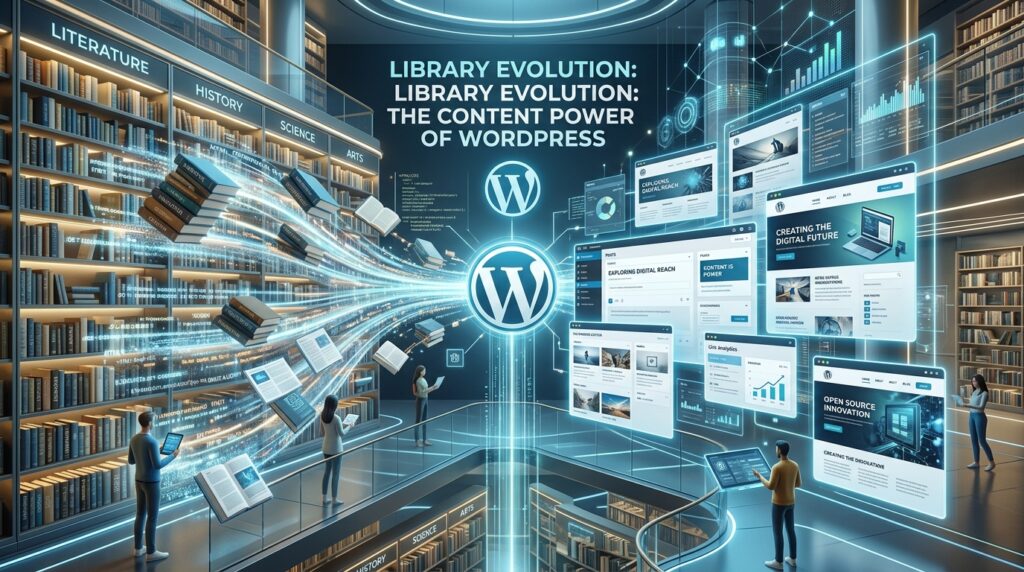
Don’t confuse WordPress.com with its self-hosted sibling (WordPress.org). For free users, WordPress.com is a managed platform that prioritizes one thing: Content Authority.
- Built for Longevity: If your goal is to rank on Google, WordPress.com’s free tier provides the most robust SEO foundation. It handles the technical “Schema” and “Sitemaps” automatically.
- The 2026 Block Editor: The “Gutenberg” editor has evolved into a full-site editing suite. You can now drag and drop “Patterns” (pre-designed sections) to build a complex homepage without touching a line of code.
- The Limitation: The free plan displays WordPress ads and doesn’t allow for custom plugins. However, it is the only platform that offers a “seamless” migration path to a professional self-hosted environment later.
3. Webflow: The Designer’s Secret Weapon
Webflow is not a “drag-and-drop” builder in the traditional sense; it is a visual interface for writing clean, professional code. In 2026, it is the gold standard for creatives who want “Pixel-Perfect” control.
- Visual CSS: Instead of picking a template and being stuck with it, Webflow lets you manipulate the “Box Model” visually. You control margins, padding, and z-index through a professional dashboard.
- The Free Plan: Webflow allows you to build and publish two projects for free on a
.webflow.iosubdomain. This is perfect for portfolios where you want to show off high-end animations and “scroll-telling” effects. - Why it Rivals Paid Software: The code Webflow generates is as clean as what a senior developer would write by hand, leading to lightning-fast load times.
4. Framer: The “Figma-to-Web” Revolution
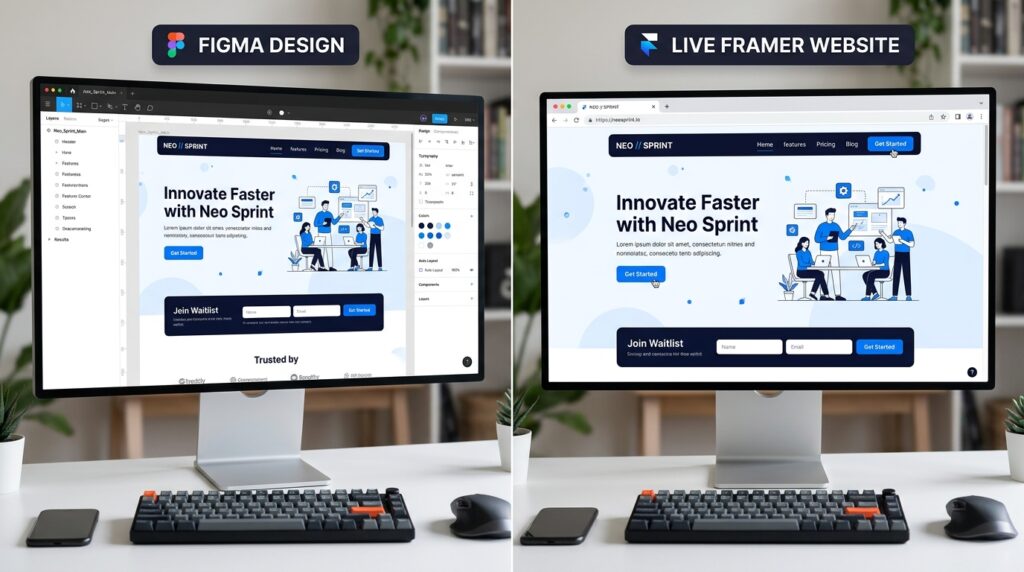
Framer has exploded in popularity in 2026 because it has bridged the gap between “design” and “deployment.” If you know how to use Figma, you already know how to use Framer.
- Design-Centric Workflow: You draw your website like a canvas. There are no “grids” or “containers” holding you back. When you’re done, you hit “Publish,” and it’s live.
- AI Layouts: Framer’s AI can take a rough sketch and turn it into a responsive, animated layout instantly. It specializes in those “Silicon Valley” aesthetics—clean lines, bold typography, and smooth transitions.
- Best For: Startups, tech freelancers, and landing pages that need to look “Expensive” on a zero-dollar budget.
5. Google Sites: The Ultimate “Minimalist” Utility
Sometimes, you don’t need bells and whistles. You need a site that works, costs nothing, and has Zero Ads. That is where Google Sites shines in 2026.
- Ad-Free Experience: Unlike Wix or WordPress, Google Sites does not put its own branding or ads on your free site.
- Google Workspace Integration: It pulls directly from your Google Drive. If you update a Google Doc or a Sheet, it updates on your website automatically.
- The Catch: It is visually limited. You won’t find the high-end animations of Framer or the deep SEO of WordPress here.
- Best For: Internal company wikis, student projects, or very simple “link-in-bio” style business pages.
2026 Comparison: Which Builder Should You Pick?
| Feature | Wix | WordPress.com | Webflow | Framer | Google Sites |
| Ease of Use | Highest (AI) | Moderate | Low (Learning Curve) | Moderate | High |
| SEO Power | High | Elite | High | Moderate | Low |
| Design Freedom | High | Low (Template) | Elite (Pixel-Level) | High | Minimal |
| Ad-Free? | No | No | No (Badge) | No (Badge) | Yes |
| Best For | Small Business | Bloggers/Writers | Pro Designers | Tech Startups | Simple Wikis |
The “Hidden” Costs of Free Builders
Based on industry research, while the software is free, you are often paying with your “Brand Identity.”
- Subdomains: A URL like
mybusiness.wixsite.comis harder for customers to remember and looks less professional thanmybusiness.com. - Branding: Most free builders (except Google Sites) place a “Made with…” banner on your site, which can distract users.
- No E-commerce: In 2026, almost all free tiers block you from accepting payments. You can show products, but you can’t sell them without an upgrade.
Final Thoughts
The “Best” website builder isn’t the one with the most features; it’s the one that aligns with your specific goal.
- If you want a Business Site fast, use Wix.
- If you are a Writer, stick with WordPress.
- If you are a Designer, master Webflow or Framer.
By starting with a free plan, you allow yourself the “Technical Sandbox” to experiment and grow without financial pressure. Once your site starts generating traffic or revenue, that’s when you invest in the custom domain and the “Pro” features.






