
In the performance-obsessed web of 2026, the SVG (Scalable Vector Graphics) has moved from being a “nice-to-have” to a fundamental requirement. Unlike traditional images, SVGs are written in code, meaning they can scale from a tiny favicon to a massive billboard without losing a single pixel of clarity. Moreover, because they are essentially XML text, they are lightning-fast and can be manipulated directly with CSS and JavaScript.
The most effective way to optimize your website’s PageSpeed score while maintaining a premium aesthetic is to replace your heavy raster graphics with high-quality SVGs. This step-by-step guide to the top free SVG sources will help you build a professional library of icons and illustrations for exactly $0.

1. SVGRepo: The “No-Nonsense” Search Engine
In 2026, SVGRepo has become the go-to repository for designers who need an icon now without the friction of accounts, “pro” pop-ups, or credit card forms.
- 500,000+ Open-Licensed Assets: It boasts one of the largest collections of truly open-source SVGs on the planet. Most are licensed under MIT, CC0, or Apache, making them safe for any commercial project.
- ML-Powered Search: Their 2026 search engine uses Machine Learning to understand visual similarity. If you find an icon you like, you can click “Similar Style” to find an entire matching set.
- Built-in SVG Optimizer: Before you download, SVGRepo runs the file through a “TinySVG” compressor, removing unnecessary metadata and code bloat, often reducing file size by 60% without changing the visual.
- The Interface: It is entirely “Commercial Friendly.” There are no “Premium-only” results mixed in to trick you into clicking an ad.
A common mistake to avoid is downloading the raw SVG and uploading it directly to your site. Even though SVGRepo optimizes files, always double-check the code for “ID” conflicts if you plan to use multiple SVGs on a single page.
2. unDraw: The Pioneer of Brand Customization
unDraw, created by Katerina Limpitsouni, is the “Industry Standard” for 2026 web illustrations. It solved the biggest problem in free design: making generic illustrations match a specific brand.
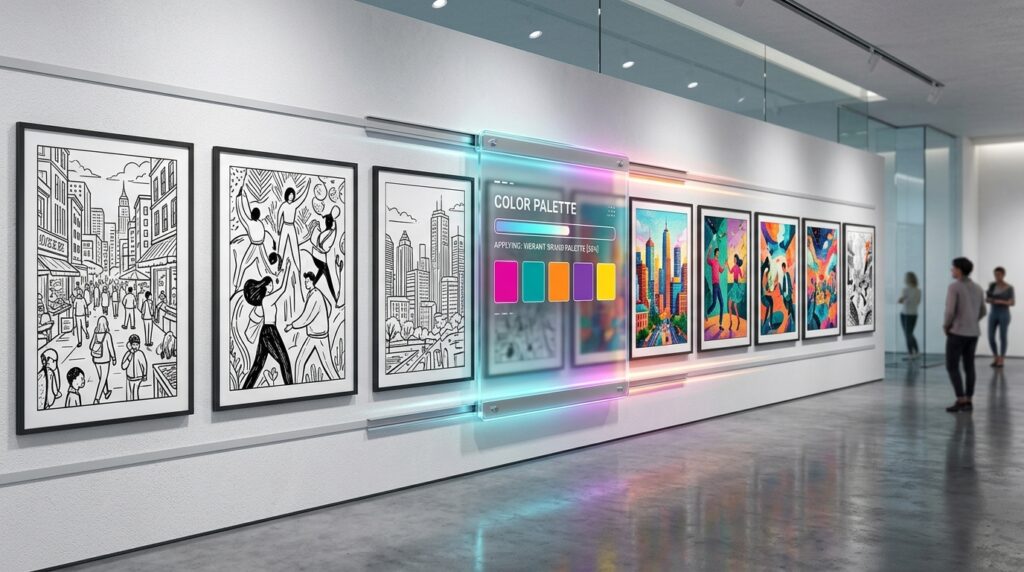
- On-the-Fly Color Picker: The standout feature is a hex-code picker at the top of the site. You enter your brand’s primary color, and every single illustration in the library instantly adapts to match that palette.
- The “Startup” Aesthetic: The style is clean, modern, and minimalist—perfect for SaaS landing pages, onboarding screens, and mobile app mockups.
- MIT License Freedom: You can use unDraw for anything—personal or commercial—without attribution. It is the closest thing to having a “free” in-house illustrator.
- 2026 Update: The library now includes “Hand-Drawn” and “Abstract” categories, moving beyond the traditional tech-only scenes.
3. Flaticon: The Encyclopedia of Styles
While SVGRepo is about “Open Source,” Flaticon is about “Infinite Variety.” In 2026, it remains the largest database of icons in the world, now housing over 18 million assets.
- Icon Families: The strength of Flaticon is “Icon Packs.” If you need a “Settings” icon, you don’t just get one; you get it in Solid, Outline, Rounded, Sharp, and Duotone styles to match your UI perfectly.
- In-Browser Editor: You don’t need Illustrator to fix a color. Flaticon’s 2026 editor allows you to change individual colors within a multi-color SVG, resize the stroke width, and even flip the orientation before downloading.
- The “Attribution” Trade-off: The free tier is massive, but it does require you to credit the author (e.g., “Icons made by Freepik from Flaticon”). For many small projects, this is a small price to pay for the sheer volume of choices.
- Google Slides & Docs Integration: Flaticon offers an official extension that lets you drag SVGs directly into your presentations without ever leaving your workspace.
4. Lucide (The Successor to Feather): The Developer’s Choice
For UI/UX designers and front-end developers, Lucide is the 2026 darling. It is a community-maintained fork of the famous “Feather Icons,” expanded to include over 1,500 essential UI icons.
- Consistency is King: Every icon in Lucide is designed on a 24×24 grid with a consistent 2px stroke. This ensures your interface looks balanced and professional, rather than a “mish-mash” of different artists.
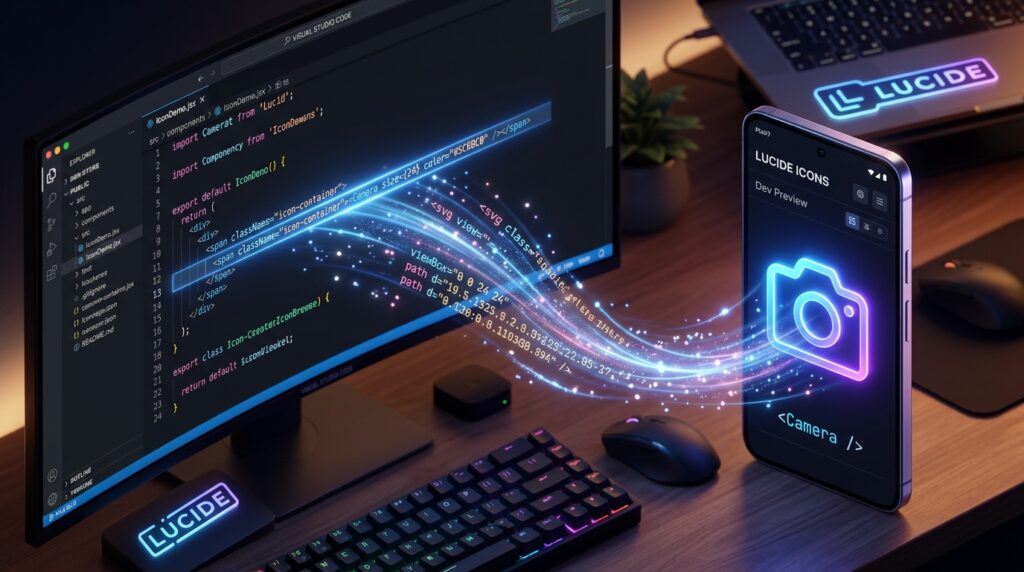
- Framework Friendly: Lucide provides first-class packages for React, Vue, Svelte, and Angular. You can import them as components, allowing you to change the color and size via props:
<Camera color="red" size={48} />. - ISC License: The license is incredibly permissive, allowing for commercial use with virtually no restrictions.
- The Weight Slider: In 2026, Lucide’s web tool allows you to adjust the stroke weight (from 0.5px to 3px) before downloading the SVG code.
5. Noun Project: The Cultural Library
The Noun Project has a unique mission in 2026: “Creating a Global Visual Language.” It is less about “pretty” illustrations and more about clear, universal communication.
- Diversity and Inclusion: They lead the industry in “Authentic Representation.” Their collections feature icons for neurodiversity, diverse family structures, and accessibility that you won’t find on more “corporate” sites.
- Art-Quality Icons: Many of the contributors are world-class graphic designers. The icons here often feel more like “Art” than “UI Assets,” making them perfect for logos and branding.
- The CC-BY License: Like Flaticon, the free tier requires attribution. However, their “Public Domain” section (CC0) is growing rapidly and contains thousands of icons that require no credit at all.
- 2026 AI Search: Their new search tool uses descriptive prompts. You can search for “Icon representing the feeling of nostalgia” and get high-quality conceptual results.
Comparison: Which SVG Source Should You Choose?
| Platform | Best For | Standout Feature | License |
| SVGRepo | Open Source Icons | No-Account / ML Search | MIT / CC0 (Varied) |
| unDraw | Web Illustrations | Instant Color Matching | MIT (No Attribution) |
| Flaticon | Variety & Styles | In-Browser Editor | Free w/ Attribution |
| Lucide | UI/UX Developers | React/Vue Packages | ISC (Permissive) |
| Noun Project | Diverse/Clear Icons | Iconic & Cultural Diversity | CC-BY (Attribution) |
The 2026 “SVG Performance” Checklist
Based on industry research, an unoptimized SVG can be just as slow as a PNG if it contains too many “paths” or hidden data. Before you add an SVG to your site:
- Remove Metadata: Open the SVG file in a text editor. If you see tags like
<metadata>or<editor-settings>, delete them. They add weight but no visual value. - Convert Text to Outlines: If your SVG contains text, make sure it’s “outlined” (converted to paths). If the user doesn’t have your specific font installed, the SVG will look broken.
- Use
viewBox, notwidth/height: For maximum responsiveness in 2026, ensure your SVG uses theviewBoxattribute. This allows the browser to scale the icon perfectly to any container.
Final Thoughts
In 2026, your design’s speed is just as important as its beauty. By using the technical precision of Lucide, the artistic flair of unDraw, and the sheer volume of SVGRepo, you can build a high-performance, visually stunning brand without ever touching a “Buy” button.





Leave feedback about this